



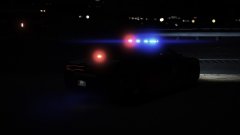
Finally got my game back working

By J.J Dawkins
- 466 views
- View J.J Dawkins's images
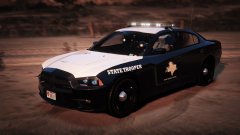
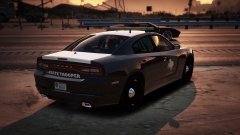
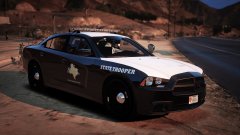
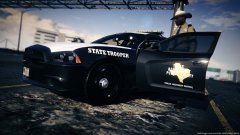
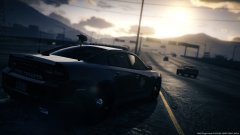
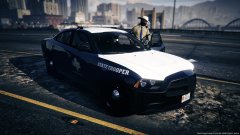
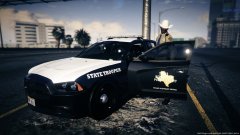
2014 Charger part of the texas pack that i'll be releasing
2014 Charger model 97% complete
All that comes in this pack will be:
2006 & 2011 CVPI with (texas) freedom lightbar & Whelen Liberty
2009-10 Charger with (texas) freedom lightbar
2x 2013 Chevy Tahoe (texas) freedom lightbar & Whelen Liberty
2014 ford Explorer with (texas) Whelen Liberty
2014 Dodge Charger with (texas) Whelen Liberty
2016 SRT PotatoCat with Whelen Legacy
Hope you guy enjoy the up coming pack and i so will be releasing the whelen legacy pack right after that as well so there will be 2 pack get released at the same time..I love you all even the ones that do not like me for some reason..
Recommended Comments
Join the conversation
You can post now and register later. If you have an account, sign in now to post with your account.