




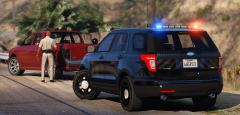
Darkness Falls...

By CG Blaze
- 1,004 views
- View CG Blaze's images
More from project blue...
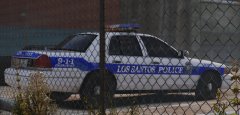
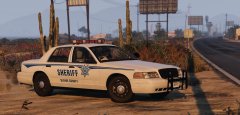
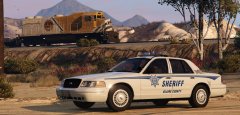
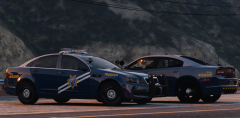
Decided to go with a darker shade of blue on newer units (Chargers, FPI's etc.) because frankly, the cyan-ish blue just seemed a little bit weird on em. And, we're back to red and blue lighting. AND! After @Lundy called me out on my license plate half-assery, I finally made some new plates from scratch. I think these really complete the look, but let me know what you think!
Also, HUGE shoutout to @Mr. Kindness757 for this awesome Charger. I absolutely love this thing, and I'm not usually a fan of Chargers. Nice work, man.
Pack release? Hmm... More pics below:


Recommended Comments
Join the conversation
You can post now and register later. If you have an account, sign in now to post with your account.