



2017-01-08-36be78b480f40f64904c5ee47aa5fbf0.jpg

By PolGuin255
- 756 views
- View PolGuin255's images
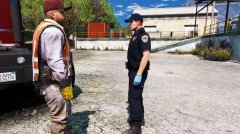
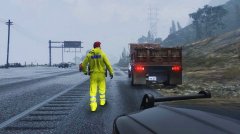
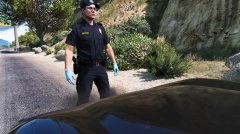
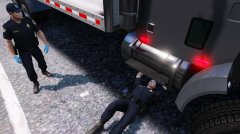
The city has recently suffered from serve thunder storms lately, an SAHP officer in full reflective rig, stops a dump truck carrying sand without a trailer cover. The driver was cited for having an unsecured load. The driver also had to ring his company to bring out a replacement load cover before the truck was allowed to continue on its journey.
Part of my SAHP/CHP Uniform overhaul that im working on.
Recommended Comments
Join the conversation
You can post now and register later. If you have an account, sign in now to post with your account.