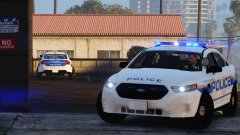
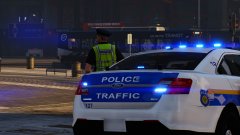
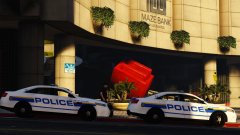
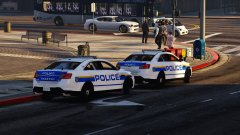
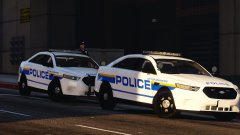
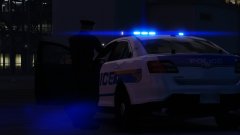
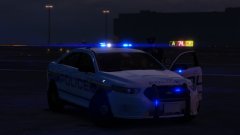
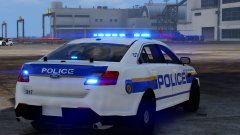
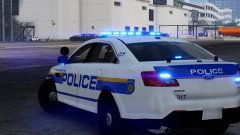
W.I.P.: LSPD skins for Captain14's pack - Traffic Taurus #1 Share https://www.lcpdfr.com/gallery/image/75864-wip-lspd-skins-for-captain14s-pack-traffic-taurus-1/ Share on Facebook Share on X {lang="reddit_text" More sharing options... Followers Okay both the sides of the fpi sedan are now fixed and I've added a traffic edition (based on the P.D.) Changed the back font a bit to make it more like the city it's based on. and I still have to say I just love the way the back of this car looks.



Recommended Comments
Join the conversation
You can post now and register later. If you have an account, sign in now to post with your account.