


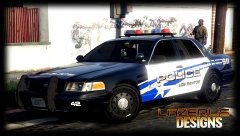


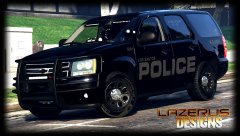


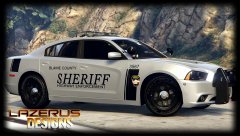
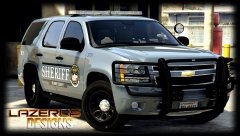
K9 Unit (travis county theme....mutated lol)

By Lazerus
- 1,362 views
- View Lazerus's images
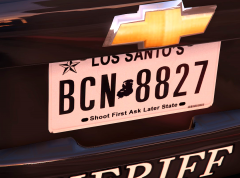
So originally was making a travis county theme k9 skin, but realised that BCSO doesn't have a k9 officer outfit, so redid it to los santos police. Now it was originally travis county theme, but its mutated to something else lol. Body has kept to the theme but windows, and front plate I changed. Thoughts?
-things added-
* "bandit" dogs name to window
* k9 decals to the rear of the truck (cant see from this angle)
* k9 caution decal to "dogs door"
* Military Working Dog Adoption Decal to rear window
* k9 front plate
Recommended Comments
Join the conversation
You can post now and register later. If you have an account, sign in now to post with your account.