


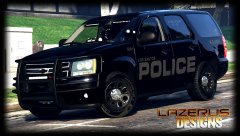


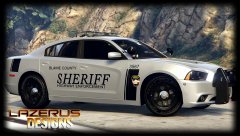
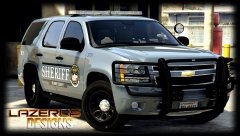
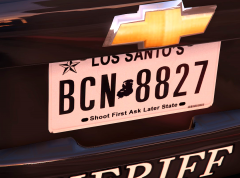
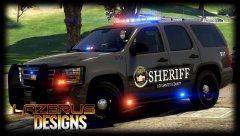
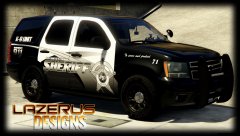
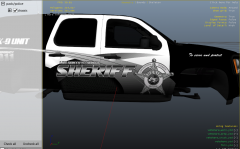
WIP (travis county theme)

By Lazerus
- 915 views
- View Lazerus's images
still working on this, fixed a lot of the errors I had, and this is the 2nd skin for the Tahoe model *gumps* as travis county has 2 distinct colors (dark grey and silver). Just want to thank illus for the help with figuring out how to get a true silver for this skin *thanks*.
-fixed plates
-fixed county (now blaine county)
*next up align the decal so its little more straight on the sides, seems to be in a slight upwards direction atm.
*after that work on the charger skin*
Recommended Comments
Join the conversation
You can post now and register later. If you have an account, sign in now to post with your account.