Due to overzealous filtering on Microsoft’s side, some emails to Outlook and Hotmail addresses may not be delivered. If you’re affected, please use a different email address or try again later.
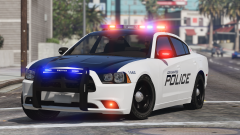
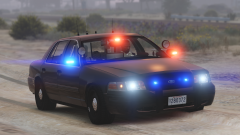
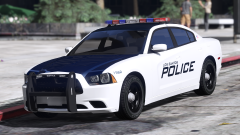
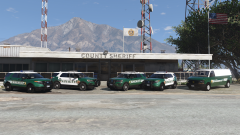
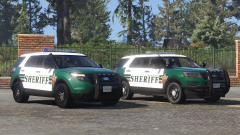
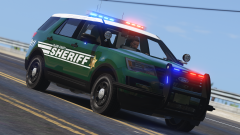
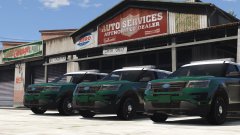
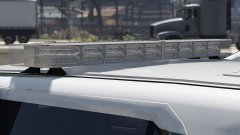
Working on some skins for the pack kinda based off Spokane's new designs. Idk if I messed something up on the model, but the template of the '16 doesn't match up to the car properly so I my skin is off by a lot. Might remap parts of the car if I find the motivation.




Recommended Comments
Join the conversation
You can post now and register later. If you have an account, sign in now to post with your account.