


Uniform Update!

By TrentMU
- 675 views
- View TrentMU's images
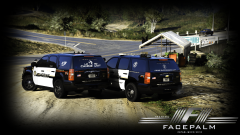
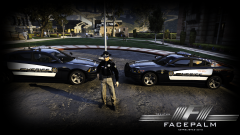
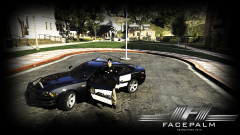
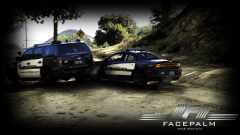
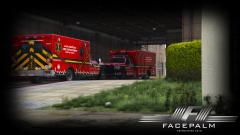
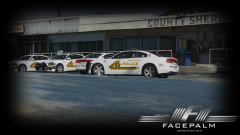
Well, I updated the charger a little bit, smoothed out a little of the edges but still has work to be done, Also am in the process of doing a uniform for the fleet and I must say, I like how it is turning out! Still need to add some accessories and fix up the patch on the ped!
Plans are doing many variations for the CVPI, '14 and '16 Charger, and Tahoe including window decals! Skins are still a work in progress! Need to fix up some positions, smooth out areas, redo figure others, etc!
Copyright
© FacePalm Studios
Recommended Comments
Join the conversation
You can post now and register later. If you have an account, sign in now to post with your account.