


Good Enough, Boss?

By SoarHawk
- 897 views
- View SoarHawk's images
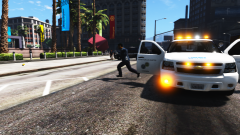
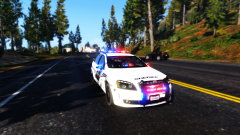
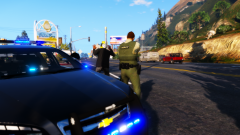
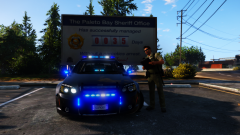
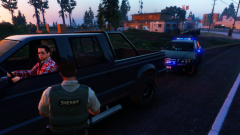
Another picture of the Blaine County Sheriff's Office's new 2015 Caprice. The chief was always known to be a little OCD with his cars, however this one was personally his patrol car, so he spared no effort in making sure it was exactly how he wanted it. The car itself was only about $32,000 stock, however after all of the customizations put in, especially all the additional lighting that was installed, the car totaled about $49,500. Along with the lighting the chief had installed, he also darkened the window tints, upgraded to a power V8 Engine, from the standard V6, added bulletproof tires, as well as bulletproof glass, and had additional equipment installed on the interior of the model. In the picture seen here, the chief is literally "checking off" each of the additional components he had installed, making sure absolutely nothing is missing. In addition to this check process, which he does with every new patrol vehicle, he has the patrol cars washed weekly as well.... he never denied being a perfectionist. The vehicle passed his inspection.. for the most part, despite the fact that the car came with a tiny ( and we mean tiny ) scuff on the driver side door, which he vowed to have repaired, at the expense of the manufacturer of course.
Recommended Comments
Join the conversation
You can post now and register later. If you have an account, sign in now to post with your account.