




![[W.I.P] Brute Heavshit](http://s3-gallery.int-cdn.lcpdfrusercontent.com/gallery/album_285/sml_gallery_3182_285_689640.png)

Engine Troubles

By Harper
- 1,005 views
- View Harper's images
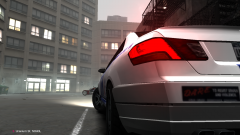
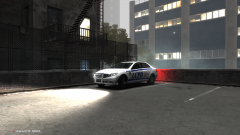
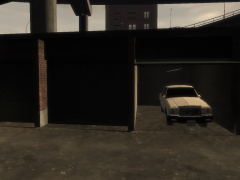
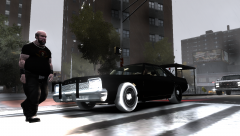
As expected with a classic, this one was found with a poorly kept engine among other things, as part of its restoration its been given a brand spanking new replacement!
--
Things to do:
- Clear up the gaps on the texture
- Fix the tires (not appearing again for some stupid fucking reason)
- Finish the rambar
- Add police equipment and lightbar
- Make a template
Recommended Comments
Join the conversation
You can post now and register later. If you have an account, sign in now to post with your account.