


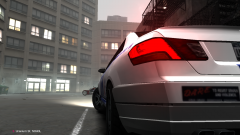
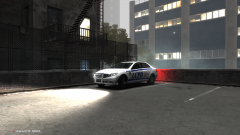
![[W.I.P] Non-ELS Custom Vapid](http://s3-gallery.int-cdn.lcpdfrusercontent.com/gallery/album_285/sml_gallery_3182_285_626414.png)



![[W.I.P] Brute Heavshit](http://s3-gallery.int-cdn.lcpdfrusercontent.com/gallery/album_285/sml_gallery_3182_285_689640.png)
Afternoon Stroll

By Harper
- 1,221 views
- View Harper's images
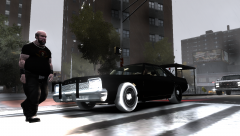
A biker strolls past a seemingly innocent Dodge Monaco, unaware that its actually an official LCPD vehicle going through its final stages of testing.
--
Another picture showing my progress, this time I've fixed the wheels (thanks to KevinDV) and added the rambar. Should be ready fairly soon. This car WILL need a handling line so I'm willing to hand it to someone such as Sgt Kanyo before release so one can be made.
Copyright
© Harper 2012
Recommended Comments
Join the conversation
You can post now and register later. If you have an account, sign in now to post with your account.