




Old Chippy

By CG Blaze
- 1,122 views
- View CG Blaze's images
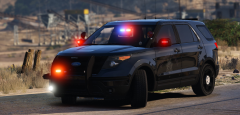
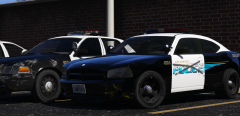
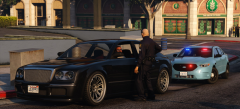
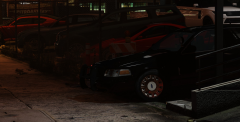
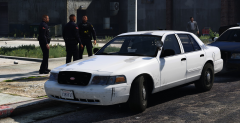
"Old Chippy" is an unmarked CVPI assigned to the LSPD's downtown district. Chippy is one of two units that arrived on scene at the Lucky Plucker following a call about an argument that turned physical when a customer refused to pay. She's certainly seen better days, and the hot southern San Andreas sun hasn't been kind to Ford's infamously non-durable white paint, but officers dread the imminent day she's retired in favor of one of the newer (and smaller) Chargers.
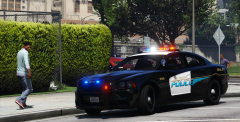
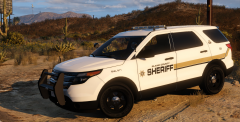
Couple more pics here, couldn't decide which to upload:
Side note: Would anyone be interested in a skin (skins?) like this? It's just a bunch of paintchips peeled out and some weathering here and there, but it's compatible with vehicle body color and I've yet to see something like that released. Thoughts?
Recommended Comments
Join the conversation
You can post now and register later. If you have an account, sign in now to post with your account.