Due to overzealous filtering on Microsoft’s side, some emails to Outlook and Hotmail addresses may not be delivered. If you’re affected, please use a different email address or try again later.
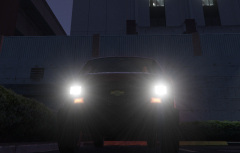
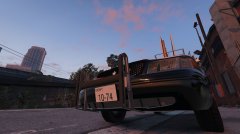
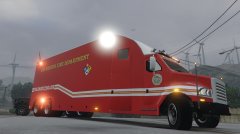
LSFD Hazmat truck responding to assist the LScFD with a hazmat fire at the LS power plant.
-------------------
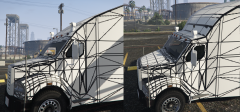
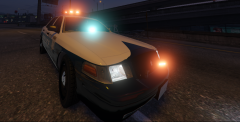
Just a concept showing what else the MCC i'm working can be used for. I most likely will not be upload this light setup up and skin but I will be putting out the model







Recommended Comments
Join the conversation
You can post now and register later. If you have an account, sign in now to post with your account.