




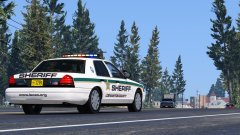
The best part of watching police cars respond

- 1,071 views
- View LoneWolfSpecter's images
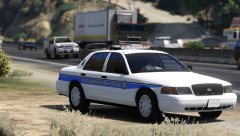
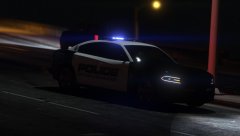
You're walking down the street and suddenly hear sirens in the distance. You hear a slight screech of tires, turn around to see a police car stop before crossing an intersection, Blasting his sirens as the cop presses buttons in his patrol car. It crosses, engine roaring as it picks up speed going past you, road dust getting picked up behind the tires, sirens wailing almost leaving you deaf but you don't care. You stand there, gazing in awe as it flies past you and comes to another stop at the next intersection. This time horn blasting as it forces other motorist out the way. You see the police car disappear behind a wall of cars going on about their day, sirens fading out and you look around, expecting another one to appear behind.
Recommended Comments
Join the conversation
You can post now and register later. If you have an account, sign in now to post with your account.