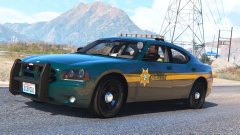
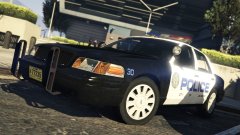
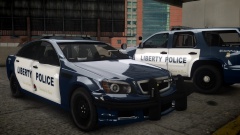
Waiting For The Partner Share https://www.lcpdfr.com/gallery/image/55939-waiting-for-the-partner/ Share on Facebook Share on X {lang="reddit_text" More sharing options... Followers My most popular skin that I worked on. Never released it for IV because I edited the skin, so I scratch made everything and added my own touches. Should be out with the BCSO within the next month or two. Credit Livery - MikoFiticus Ped - Alex_Ashfold








Recommended Comments
Join the conversation
You can post now and register later. If you have an account, sign in now to post with your account.