



Ford F250 update

By Deactivated Member
- 1,986 views
- View Deactivated Member's images

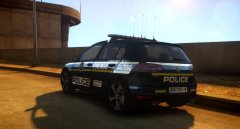
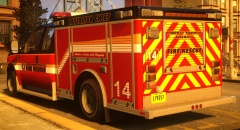
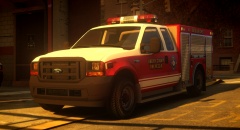
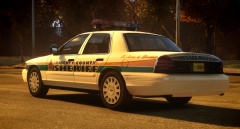
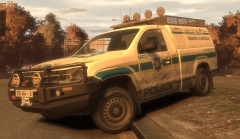
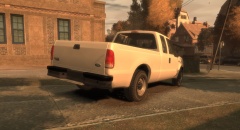
I decided the previous livery was a bit too plain so I've rather gone with a Broward County based livery to suit the other vehicles.
So far the list of updates include:
-added 2 Whelen 900 Super LED flashers at the rear as well as 3 Whelen 600 Super LED modules per side and two rear units
-added 2 Whelen 700 Series Scene lights on either side and to the rear
-replaced old taillights with Whelen 600 Series taillight units
-added a Federal Signal Signalmaster traffic advisor
-frontal bumper scaling fixed
-modeled F250 appropriate side mirrors and dashboard to suit the year of the vehicle
-new livery
I'm still considering a few additional improvements.
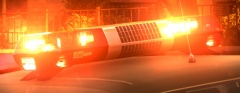
EDIT: I'm also going to be experimenting with randomly spawning lightbars which in this case will be an FS JetSolaris that will replace the StreetHawk as Extra_10. If my idea works out, I'll end up releasing such a version.
Recommended Comments
Join the conversation
You can post now and register later. If you have an account, sign in now to post with your account.