


Fatal Car Versus Pedestrian Collision in Silverlake

By DukSezQuak
- 615 views
- View DukSezQuak's images
Silverlake is struck by tragedy for the third time this year, with the third fatality of 2015.
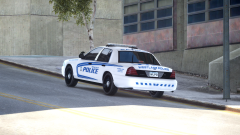
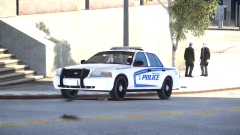
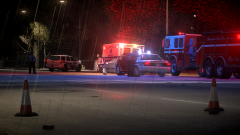
A vehicle travelling Southbound on 42nd Avenue crossing Landmark Street struck a pedestrian who was crossing the street. Silverlake Police, Fire, EMS and Peace Officers all attended the scene and at least one individual is in police custody following the incident.
The patient involved in the collision was pronounced dead on the scene despite best efforts of the first responders. The section of the road remains closed while police investigate the incident. As per policy with fatal incidents, Silverlake Police has called in the independent Westlake County Collision Reconstruction Team to further investigate.
Alcohol and speed are believed to be a factor in the incident, but roads were slippery due to the heavy rain the city has been receiving over the past few days.
Police are not releasing any further information at this time.
Recommended Comments
Join the conversation
You can post now and register later. If you have an account, sign in now to post with your account.