


Snow Plow Fleet 5

By KN1IGHT
- 868 views
- View KN1IGHT's images
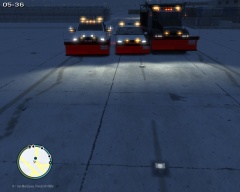
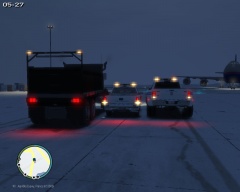
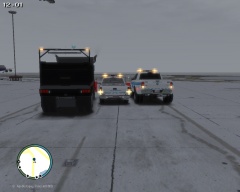
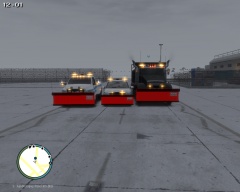
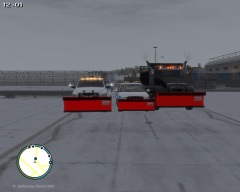
3 of Edmonton's Snow Plows lined up for a photo, and getting ready to go out and plow the roads.
The 2000 Chevy Silverado, was originally a Maintenance vehicle, but due to the weather, the Mechanics equipped it with a Snow Plow, which is why there is 2 Whelen LINZ6 modules hidden behind the plow arms.
The Biff gravel truck was originally a construction vehicle, but Edmonton bought a few off the company to utilize as snow plows.
The Dodge RAM 3500 is the newest edition to the fleet.
All vehicles in image, put together by myself.
The "mount" on the back of the Biff for the rear lighting, and traffic advisor was made by myself in zModeler2.
The Plows are attached to the front bumper, and have L1's as well as L0 (Without L1's the Plow disappeared after a short distance away).
Currently, all these vehicles are not released, and it is unlikely that they will be
Recommended Comments
Join the conversation
You can post now and register later. If you have an account, sign in now to post with your account.