







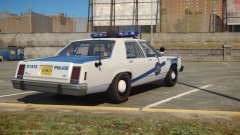
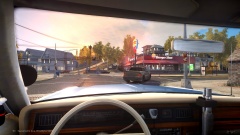
![[WIP/REL] LCPD and ASP Pack.](http://s3-gallery.int-cdn.lcpdfrusercontent.com/gallery/album_3101/sml_gallery_138307_3101_184636.jpg)

"Dispatch, we have a 187 in Westdyke"

By Mikofiticus
- 991 views
- View Mikofiticus's images
ASP and LCPD detectives arrive to the scene of a homicide. Detectives scour the area for any evidence to lead to the killer. The victim, only known as a female in her 20s, was brutally beaten and then shot multiple times. When asked about the case, lead detective Flynt Hutchensen replied: "It's a shame. They just ditched her body in an alleyway and didn't give a care in the world. We're gonna catch these guys."


Recommended Comments
Join the conversation
You can post now and register later. If you have an account, sign in now to post with your account.