Skip to content
View in the app

A better way to browse. Learn more.

LCPDFR.com

A full-screen app on your home screen with push notifications, badges and more.

To install this app on iOS and iPadOS
  1. Tap the Share icon in Safari
  2. Scroll the menu and tap Add to Home Screen.
  3. Tap Add in the top-right corner.
To install this app on Android
  1. Tap the 3-dot menu (⋮) in the top-right corner of the browser.
  2. Tap Add to Home screen or Install app.
  3. Confirm by tapping Install.

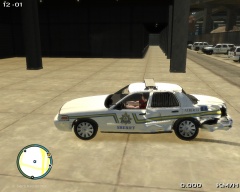
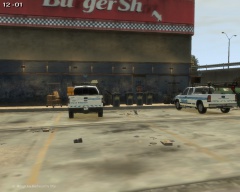
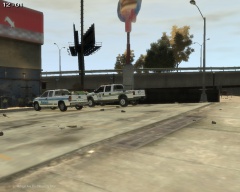
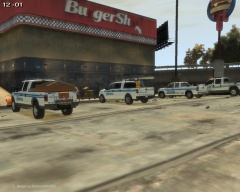
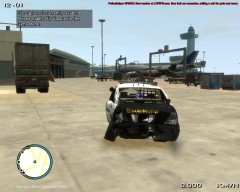
GTAIV 2014 03 17 20 40 46 011

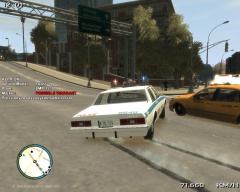
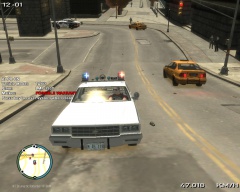
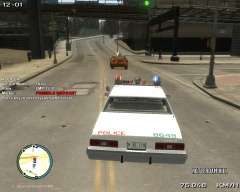
Officer Knight attempted to block this fleeing Taxi, but as he hit the brakes to stop and block the vehicle, the driver hit the accelerator, and avoided the road block.

The driver of the Taxi was finally stopped and detained.

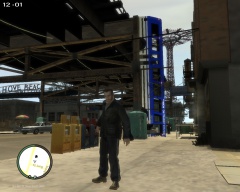
A few minutes later the driver was arrested as there was a warrant out on his name (Name Withheld) and on his plate #, for skipping a court date

Copyright

© Code 2 Productions
  • From the album:

    GTA IV/ LCPDFR Photos

    · 166 images

    Account

    Navigation

    Search

    Search

    Configure browser push notifications

    Chrome (Android)
    1. Tap the lock icon next to the address bar.
    2. Tap Permissions → Notifications.
    3. Adjust your preference.
    Chrome (Desktop)
    1. Click the padlock icon in the address bar.
    2. Select Site settings.
    3. Find Notifications and adjust your preference.