


Investigation Part 1

By CG Blaze
- 612 views
- View CG Blaze's images
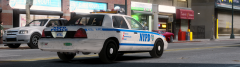
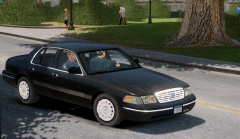
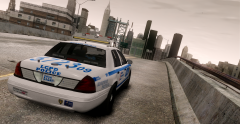
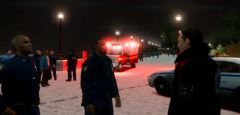
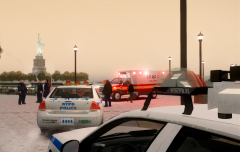
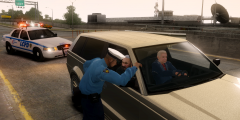
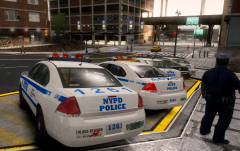
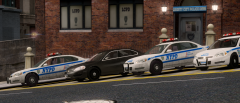
Several NYPD officers and detectives were dispatched to the park along Castle Drive early last evening following a short pursuit that lead Highway Patrol officer John Joaquin up a pedestrian walkway. The driver crashed the vehicle, which was originally to be stopped for a missing license plate, into a stone abutment and the two occupants attempted to flee the vehicle. HP officer Joaquin managed to tackle and arrest the driver as backup from the local precinct arrived on scene. Witnesses say precinct officers managed to locate the other occupant and after a short foot chase, the suspect jumped the railing into the water and attempted to drown himself. One officer jumped in after him and prevented this from happening. More details to follow.
Recommended Comments
Join the conversation
You can post now and register later. If you have an account, sign in now to post with your account.