







Tragedy at the bus stop

By strike
- 1,715 views
- View strike's images
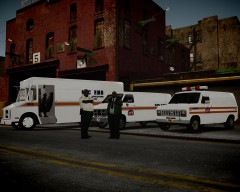
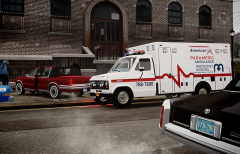
This morning, a driver lost the control of his car, presumably due to the wet road, running over a group of people who were waiting for the bus and, right after, crashing against a fence. While two of them suffered of minor injuries (one of them has already been discharged) a third one got trapped between the car and the fence. She had to be rescued by the NYPD ESU and at the moment is fighting for her life in the intensive care unit of the hospital.
---
"Territorial Dispute"
After a day working, the young ambulances meet in a lot to fight for the alpha position of the flock of ambulances and the control of the territory...

Recommended Comments
Join the conversation
You can post now and register later. If you have an account, sign in now to post with your account.