







Arresting some punks... Nobody messes with the NYCTPD. Vol I

By strike
- 2,058 views
- View strike's images
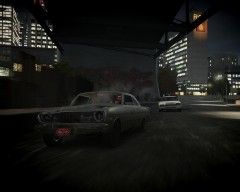
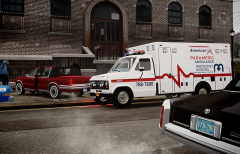
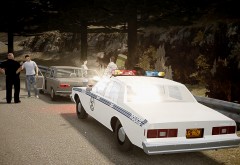
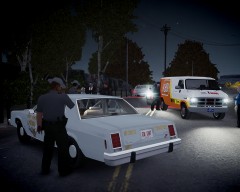
The NYC Transit Police, in collaboration with the NYPD Bronx Task Force, arrest a diverse group of punks who were vandalizing the NYC subway infraestructures. One of the suspects, a chubby man with some weird eastern european accent had to be immobilized for his constant whining and attempts to flee. He also threatened, sobbing, the officers speaking about some "cousin". He's charged with urinating in public, resisting arrest and threatening an officer. The charges of the other suspects oscillate between vandalism and possession of controlled substance such as crack cocaine.
"getting the Mobile Arrest Processing Center ready for another day in the dangerous streets of NYC"

Recommended Comments
Join the conversation
You can post now and register later. If you have an account, sign in now to post with your account.