


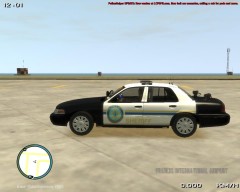
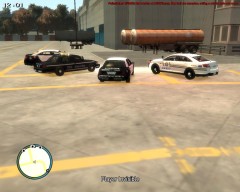
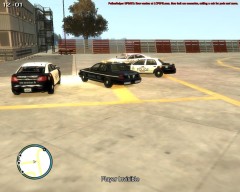
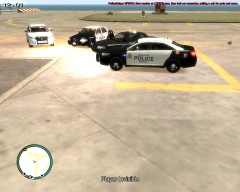
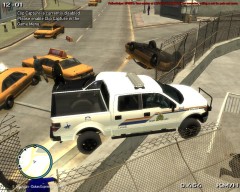
Suspicious Activity at F.I.A.?

By KN1IGHT
- 493 views
- View KN1IGHT's images
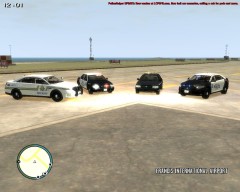
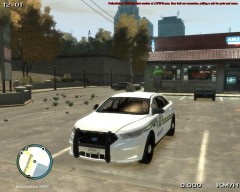
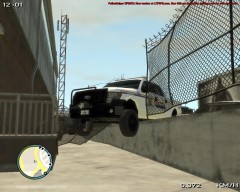
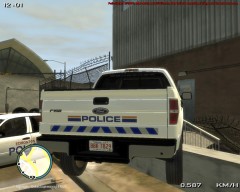
Approximately 2-3 hours ago, a TSA Security officer was patrolling behind F.I.A., and noticed something he considered suspicious, so he called it in.
He didn't disclose what it was, but due to the quiet afternoon, a few agencies responded.
A nearby EPS Detective, arrived on the scene, and called in a Supervisor, who then called in an Alberta Sheriff.
None of the Officers know, what it is they were called in for, but responded since this afternoon was slow for call outs.
The EPS Investigations section, will be conducting an Investigation
Recommended Comments
Join the conversation
You can post now and register later. If you have an account, sign in now to post with your account.