


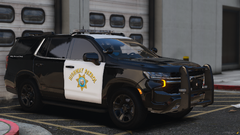
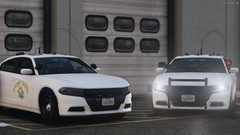

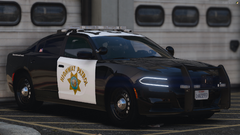
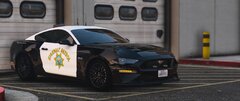
2019 Mustang GT (Jay Leno's)
- 506 views
- View Alex Modifications's images
🔗 Alex Modifications Discord: discord.gg/j3gtUSjmPT
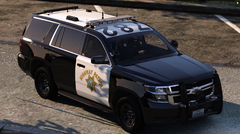
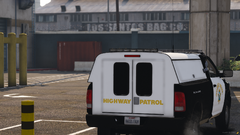
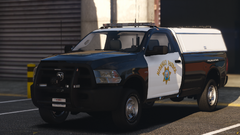
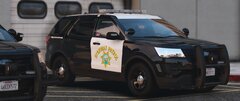
All CHP Vehicles include modkits that can be in the “Mod Menu” section of a trainer.
Modkits can vary from:
• Spotlights Up/Down *
• Antenna Variations *
• Dashcams *
• Cage *
• Hooked Whip Antenna *
• Parking Lights *
• Wraparounds *
• ALPRs *
• Rambar Rubber Thickness *
• Rambar Decals *
All of these variations of modkits ensure that your vehicles are not only packed with many features but also includes many features that the irl counterpart has. You can replicate a unit to the exact one irl.
*Only on some vehicles
#AlexModifications #CHP #GTA5Cinematic #FiveM #CaliforniaHighwayPatrol #GTA5Mods #LSPDFR
Recommended Comments
Join the conversation
You can post now and register later. If you have an account, sign in now to post with your account.