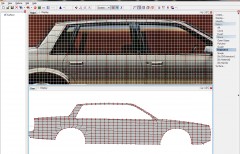
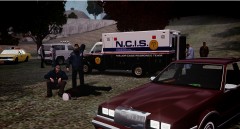
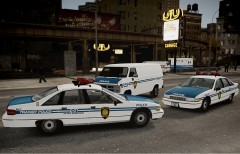
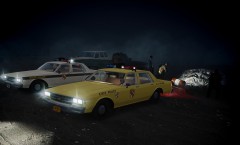
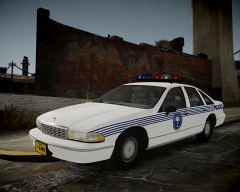
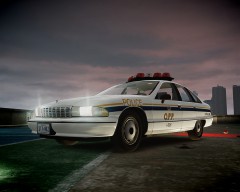
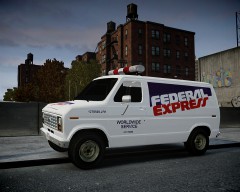
Back to the Origins: NYC Transit Police Remastered Share https://www.lcpdfr.com/gallery/image/17385-back-to-the-origins-nyc-transit-police-remastered/ Share on Facebook Share on X {lang="reddit_text" More sharing options... Followers New York City Transit Police v2.0. Remastered textures for the new Compeast's 1991 Caprice. NYCTP GMC Vandura in progress while waiting to get the 1987 Caprice in my hands. some other work in progess stuff...
strike Members May 28, 201312 yr Author stats Thank you guys, I am thinking on starting again with my old NYC pack project, when the boxy Caprice comes.
FCV96 Members May 28, 201312 yr Author stats Masterfully done as always, Strike. I think I would have a heart-attack of joy if you were to complete the NYC pack project. :D
coprolla Members May 28, 201312 yr Author stats Love these pics man...pre 9/11 america...when policing was actually appreciated.
55d Members June 24, 201312 yr Author stats the plan making skin of 1994 crown Victoria transit police?
strike Members June 24, 201312 yr Author stats the plan making skin of 1994 crown Victoria transit police? I've been doing some attempts, but the results don't satisfy me. I might wait until a new 94 FCV comes out though.



![NYC EMS Paramedics [WIP]](http://s3-gallery.int-cdn.lcpdfrusercontent.com/gallery/album_338/sml_gallery_14186_338_360676.jpg)



Recommended Comments
Join the conversation
You can post now and register later. If you have an account, sign in now to post with your account.