


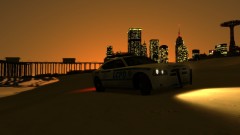


Traffic Stop turns deadly

By Harper
- 736 views
- View Harper's images
The officer was reported to suffer minor injuries
Are we safe on the streets of Liberty? The short answer is no.
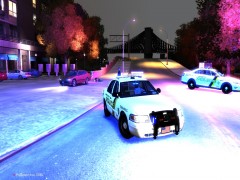
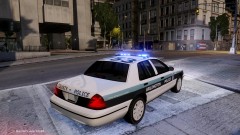
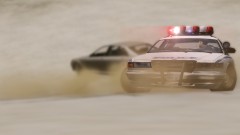
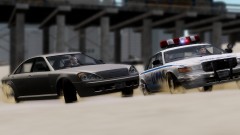
At around 9:15pm this evening, a Traffic Enforcement Vehicle from the LCPD pulled over a grey admiral on Castle Drive, as the officer approached the window, the driver revealed an automatic sub-machine gun and opened fire on the officer who took a round to his left arm. The officer bravely sprinted back to his patrol car and grabbed the standard-issue shotgun from the rack and returned fire. The suspect attempted to flee, thinking he had killed the officer but was quickly met with a barrage of shotgun shells.
Empty cars littered the streets as people ran for cover and local patrol units raced on scene. The officer is reported to be in a stable condition
Recommended Comments
Join the conversation
You can post now and register later. If you have an account, sign in now to post with your account.