




Standard RTC

By Harper
- 925 views
- View Harper's images
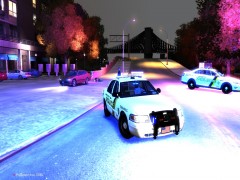
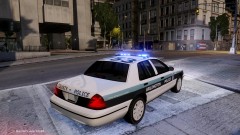
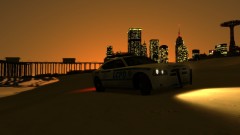
Two Traffic Units of the LCPD block off part of the road leading to Algonquin due to an RTC
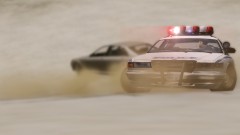
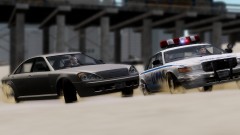
Officers were called to a suspected RTC at around 11:00pm last night, two traffic units responded and upon arrival found the second vehicle, a blue landstalker, attempting to flee. The main priority for these officers was the safety of the other driver who looked extremely close to death as they arrived.
Local patrol units picked up the landstalker just outside Star Junction, the driver of the merit was transported to Alderney General and is making a good recovery.
Recommended Comments
Join the conversation
You can post now and register later. If you have an account, sign in now to post with your account.