


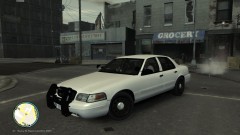
![[WIP] CVPI FedSig Arjent](http://s3-gallery.int-cdn.lcpdfrusercontent.com/gallery/album_1177/sml_gallery_9139_1177_37053.jpg)


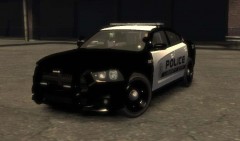
![[DEV] Unlocked Tomar 200S Traffic Advisor](http://s3-gallery.int-cdn.lcpdfrusercontent.com/gallery/album_1177/sml_gallery_9139_1177_63317.jpg)
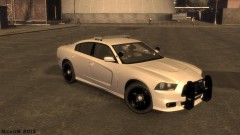
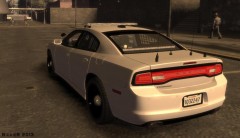
Code 3 21TR CVPI

By NickieB
- 1,129 views
- View NickieB's images
THIS IS A CAR MODEL, NOT JUST A SKIN...
I'm going to do an official release of this next weekend but if you want early access here is the link. I don't have time to type up the credits and put together a full release file right now but I still wanted you guys to be able to use it and not have to wait another week. There is a new feature for ENB users but I'm not going to explain that right now. ENB users should notice that the strobe lights in the reverse lights aren't blinding anymore if you previously had a problem. There is a way to adjust this but like I said, next weekend
Recommended Comments
Join the conversation
You can post now and register later. If you have an account, sign in now to post with your account.