Due to overzealous filtering on Microsoft’s side, some emails to Outlook and Hotmail addresses may not be delivered. If you’re affected, please use a different email address or try again later.
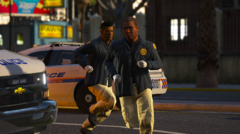
Two Lehigh County Coroner's Office members arrived on-scene of an officer-involved shooting with a fatality and are heading to the deceased suspect.
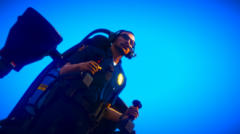
Note: All decals shown in the screenshots are by me unless stated otherwise. Redistribution is fine as long as credit is provided.





Recommended Comments
Join the conversation
You can post now and register later. If you have an account, sign in now to post with your account.