


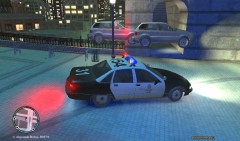

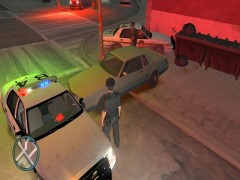
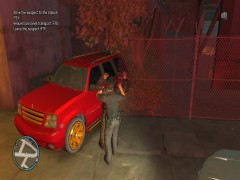
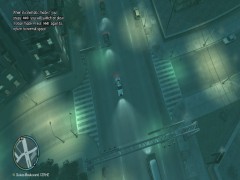
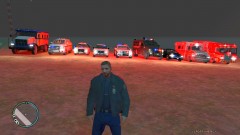
Just another day at the office...

By CRAWFORDx96
- 557 views
- View CRAWFORDx96's images
While conducting a routine traffic stop on the grey Sabre, the driver stepped out of the vehicle and opened fire, prompting a pursuit. During the chase, several shots were fired out of the vehicle by the driver. The pursuit lasted for a while until a state trooper performed a PIT maneuver. The driver bailed out and continued on foot, still opening fire. Officers were forced to return fire, fatally wounding the suspect. No major civilian injuries, minor scrapes and bruised caused by MVAs from the pursuit. One officer was fatally shot by the suspect from the vehicle, he left behind a wife and a son.
Recommended Comments
Join the conversation
You can post now and register later. If you have an account, sign in now to post with your account.