



Armed Robbery

By CRAWFORDx96
- 615 views
- View CRAWFORDx96's images
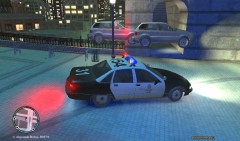
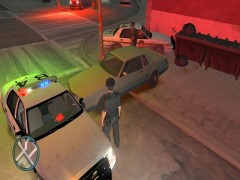
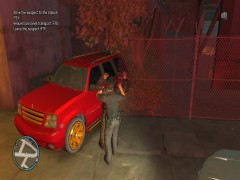
I got a call of armed robbery suspects fleeing in the Triangle. While responding, I heard a few gunshots, so I called in backup and an air unit. When I came around the block, I was surprised to see that the suspects were in the actual armoured car itself. Pursuit was given for about 20 minutes due to the lack of a strong enough vehicle to ram/PIT the truck. The driver eventually lost control and slammed head on into a cement barrier out front of a police station were both occupants proceeded to bail and open fire. Officers returned fire and shot and killed both suspects. No officers were injured and there were minor civilian injures from traffic accidents. The contents of the truck were around $250,000 USD. It looks like somebody has been playing too much GTA V...
Recommended Comments
Join the conversation
You can post now and register later. If you have an account, sign in now to post with your account.