






shooting in Strawberry

By MrMook
- 553 views
- View MrMook's images
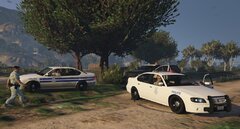
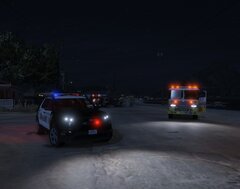
officers interview the passenger of a purple Vapid Dominator after an officer involved shooting. an officer walked up to the car after the vehicle was reported as "suspicious" and saw that a male and a female were engaged in sexual acts in the vehicle. when the officer fully intended on letting the pair off with a warning, asked the male to step out, he opened fire on the officer. the male was killed and the initial officer was injured. the female passenger was unharmed.
Recommended Comments
Join the conversation
You can post now and register later. If you have an account, sign in now to post with your account.