Due to overzealous filtering on Microsoft’s side, some emails to Outlook and Hotmail addresses may not be delivered. If you’re affected, please use a different email address or try again later.
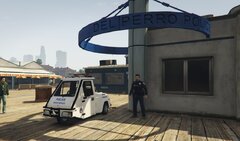
shots rang out in the normally peaceful hipster neighborhood of Mirror Park after officers moved in to make an arrest after a Star Tracker pursuit. suspects opened fire with automatic weapons killing two LPSD officers and an innocent passerby before being taken down by LSPD S.W.A.T





Recommended Comments
Join the conversation
You can post now and register later. If you have an account, sign in now to post with your account.