


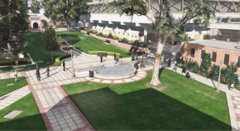
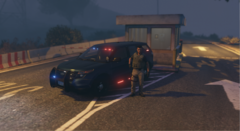
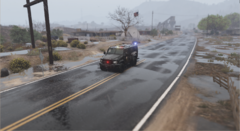
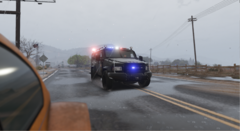
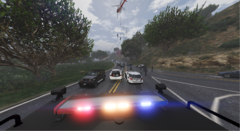
Anybody said, "Federal Warrant???" ?!

By AlexanderK.
- 490 views
- View AlexanderK.'s images
Well, that's a scene you see in movies.But its also a reallity.
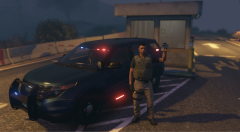
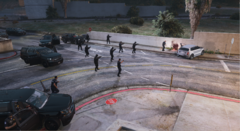
Today a Federal Fugitive, named John Wistler AKA "The Blaze" was captured by F.B.I. Special Agents and F.B.I. S.W.A.T. Members. He was a National Fugitive and one of the "10 Most Wanted" at the F.B.I. List.
He had 2 Los Santos-state Warrants for TWO (2) counts of Attempted to Murder a L.E.O. , Eluding-Fleeing, and 3 more out-of-state warrants.
A member of the Public recognised him from a recent post he had seen with the "10 Most Wanted" and immediately called the F.B.I.
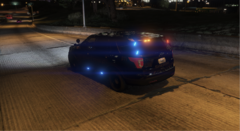
Agents verified his story and the Identity of the Fugitive and a Task Force was getting ready while Unmarked Officers were doing 24/7 Surveilance on the Subject.
If you see something, say something!
Recommended Comments
Join the conversation
You can post now and register later. If you have an account, sign in now to post with your account.