


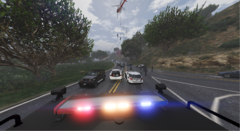
Active Shooter at the Campus!

By AlexanderK.
- 783 views
- View AlexanderK.'s images
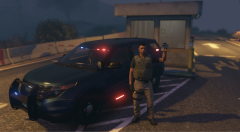
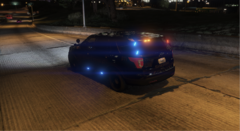
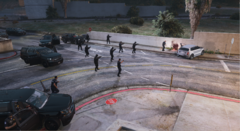
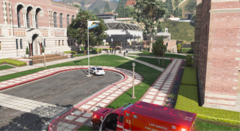
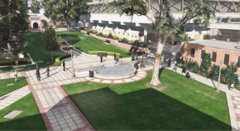
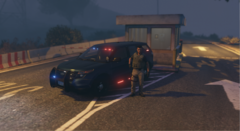
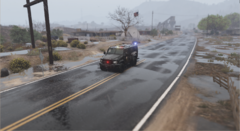
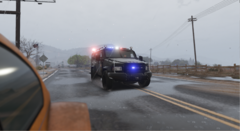
Unfortumately, an Active Shooter put the Los Santos University today in target... Officers recieved a call of an "Armed Man". Upon arrival, officers spotted the Armed man carrying an AK-47. As they were approaching him, he started shooting everybody that was in his way. Officers quickly tried with verbal commands to De-escalate the situation, but the shooter was non-stop shooting. Officers finally disarmed the man by firing a few rounds at him. S.W.A.T. was called out and A.T.F., F.B.I. and D.H.S. Federal Agents arrived on scene from the nearest Field Office to alanyze the Incident. Unfortunately, 14 students lost their live that day, and the shooter sucumbed to his injuries hours later at the local Hospital.
Copyright
© AlexanderK.
Recommended Comments
Join the conversation
You can post now and register later. If you have an account, sign in now to post with your account.