
Skip to content
View in the app

A better way to browse. Learn more.

LCPDFR.com

A full-screen app on your home screen with push notifications, badges and more.

To install this app on iOS and iPadOS
  1. Tap the Share icon in Safari
  2. Scroll the menu and tap Add to Home Screen.
  3. Tap Add in the top-right corner.
To install this app on Android
  1. Tap the 3-dot menu (⋮) in the top-right corner of the browser.
  2. Tap Add to Home screen or Install app.
  3. Confirm by tapping Install.

Soon:tm:

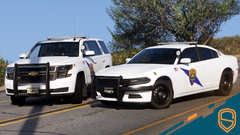
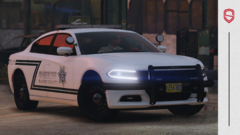
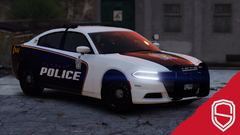
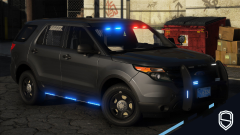
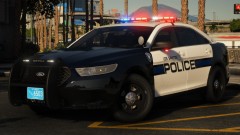
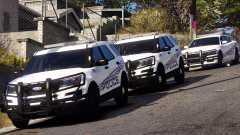
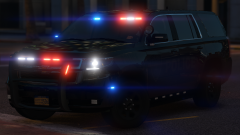
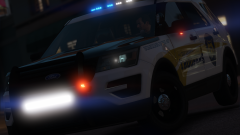
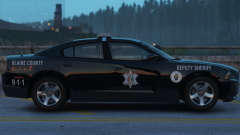
A kind of big pack I have been working on for a couple of weeks now, started it because I saw the cars on LivePD and they looked really nice haha. Pack includes two FPIS', four FPIUs and a Vic. Should be released sometime early next week, basically whenever I stop being lazy to create the MIF for the pack. haha bye

Credit

Slendis, Matt, BxBugs123, Iansonwheels, RobertTM, Gump, Five0, VooDoo

Copyright

© Slendis, Chappie

From the album:

Slendis Screenshots

· 74 images

Account

Navigation

Search

Search

Configure browser push notifications

Chrome (Android)
  1. Tap the lock icon next to the address bar.
  2. Tap Permissions → Notifications.
  3. Adjust your preference.
Chrome (Desktop)
  1. Click the padlock icon in the address bar.
  2. Select Site settings.
  3. Find Notifications and adjust your preference.