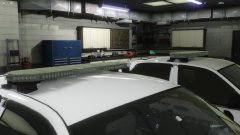
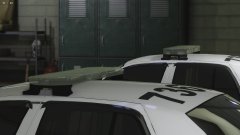
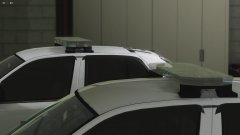
enb2019_1_17_02_26_18 Share https://www.lcpdfr.com/gallery/image/109706-enb2019_1_17_02_26_18/ Share on Facebook Share on X {lang="reddit_text" More sharing options... Followers So I couldn't find a light ID that I liked so I made my own. I went and took a picture of my truck with the headlights on , and started picking colors off the photo. This is what I came up with... Looks almost like my photo. 9007 lightbulb.






Recommended Comments
Join the conversation
You can post now and register later. If you have an account, sign in now to post with your account.