


Heli Cam 01

By Effegi88
- 1,219 views
- View Effegi88's images
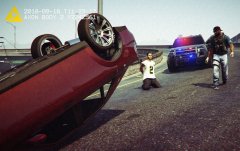
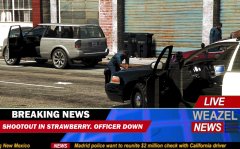
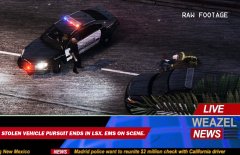
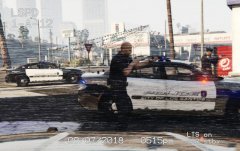
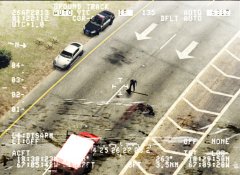
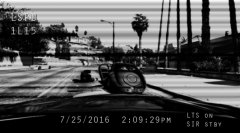
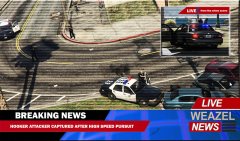
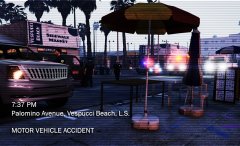
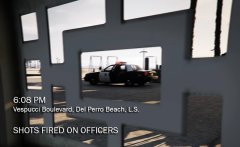
The Los Santos Police Department has released an image of a fatal officer-involved shooting occurred this morning on Los Santos Freeway. At 11:40 AM unit 1-L-18 responded to a 911 call for an attempted rape. On scene, the victim was able to tell model and plate of the suspect's vehicle. An ambulance was dispatched to deal with the victim. Minutes later, the suspect vehicle was located on the freeway. Unit 1-L-18 performed a traffic stop. As the officer stepped out of the patrol car the suspect, identified as Jenco Mcoughlan, stepped out of his car holding a handgun, shooting at the officer while running on the freeway. Officer returned fire, hitting Mcoughlan at least 3 times. The suspect was subsequently ran over by a car. EMS was dispatched and the freeway was closed westbound. Mr. Mcoughlan was declared dead on scene.
Recommended Comments
Join the conversation
You can post now and register later. If you have an account, sign in now to post with your account.