
Skip to content
View in the app

A better way to browse. Learn more.

LCPDFR.com

A full-screen app on your home screen with push notifications, badges and more.

To install this app on iOS and iPadOS
  1. Tap the Share icon in Safari
  2. Scroll the menu and tap Add to Home Screen.
  3. Tap Add in the top-right corner.
To install this app on Android
  1. Tap the 3-dot menu (⋮) in the top-right corner of the browser.
  2. Tap Add to Home screen or Install app.
  3. Confirm by tapping Install.

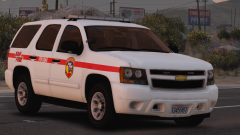
San Fire

I know San doesnt make sense, but does it sound cool? Sort of! Better than San Andreas smh.


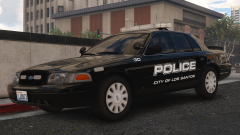
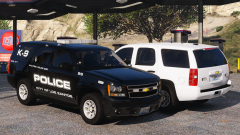
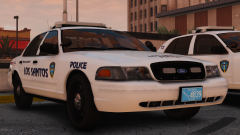
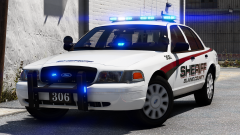
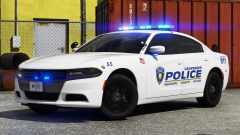
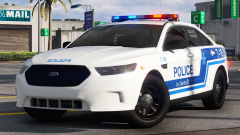
Anyway here ya go here are some picturinos:


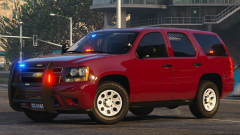
This is a Silverado, but there is also a tasty Tahoe to go along with it I'll post pics of that tomorrow I guess who knows? (Then its engine time)


GTA5_2018-07-23_19-33-41.png

Credit

t0y, Izick, Jedahdiah, KevinDV, Carper, Matt, Iansonwheels, RobertTM, Slendis

Copyright

© t0y

From the album:

t0y's Projects

· 127 images

Account

Navigation

Search

Search

Configure browser push notifications

Chrome (Android)
  1. Tap the lock icon next to the address bar.
  2. Tap Permissions → Notifications.
  3. Adjust your preference.
Chrome (Desktop)
  1. Click the padlock icon in the address bar.
  2. Select Site settings.
  3. Find Notifications and adjust your preference.