


In the folder:
CVPI:
police.wft
polcie.wtd + skin (in the skin folder)
IMPALA:
police2.wft
police2.wtd + skin (in the skin folder)
TAHOE:
polpatriot.wft
polpatriot.wtd + skin (in the skin folder)
m_y_cop.wdd
m_y_cop.wft
m_y_cop.wtd (in the cop folder)
m_y_swat.wdd
m_y_swat.wft
m_y_swat.wtd (in the cop folder)
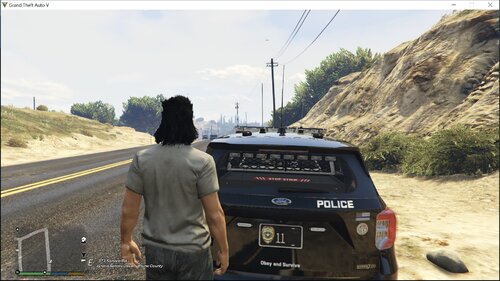
+ screenshots :)
+++ Hungarian siren
Listen to youtube:
http://www.youtube.com/watch?v=wFvJj-jHzhY
Enjoy! :D
tomato777

.thumb.png.1204360f255576d56e92a6424aff328e.png)


![[EUP] Merryweather Security Mini-Pack](http://s3-screenshots.int-cdn.lcpdfrusercontent.com/resize/500/-/monthly_2026_07/271590_12.thumb.jpg.470e8fbf575eee28324aa8adedd253b0.jpg)







Recommended Comments
Create an account or sign in to comment