





If you want to talk or whatever join this discord
If you use this in a video please credit it properly
Disclaimer:
DO NOT distribute this content without my permission! This includes liveries, models or the screenshots.
DO NOT use the vehicles in a clan or group without my express permission. THIS APPLIES TO FIVEM TOO.. Just ask me.
Please do not upload this file or a part of it to any other website without permission from me
I accept no responsibility for any damage caused to your PC, game, or anything else.
DO NOT rip, dismantle or change the vehicle in any way (except for texture files). Vehicles are LOCKED for a reason.
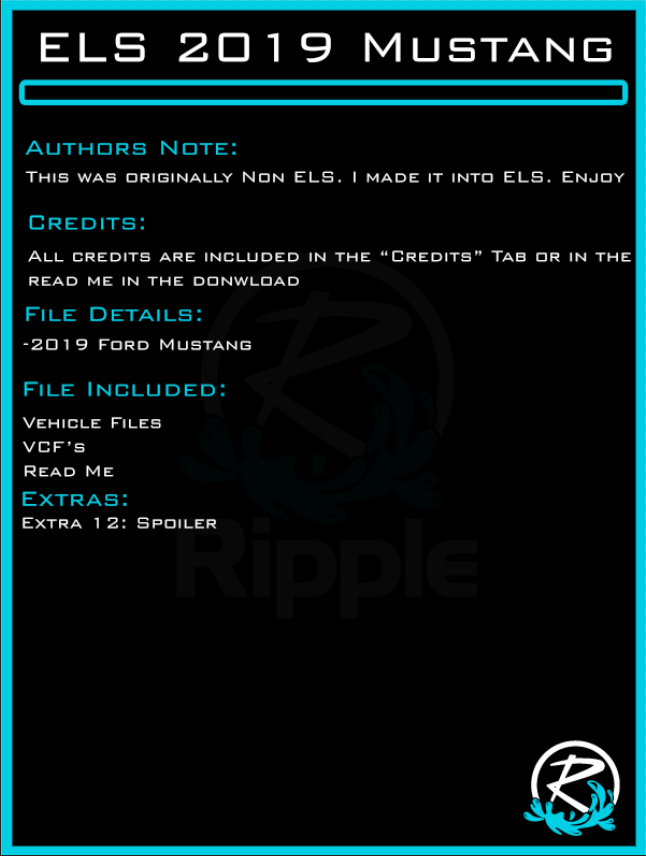
Credits: IF I MISS ANY OR CREDIT SOMETHING WRONG PLEASE MESSAGE ME
2019 Mustang
Converted by Branson Duck
Materials and a few textures redone by Ripple
Unity LED PAR46 Spotlight:
- Modeled and Textured by Dan With the Van!
Kustom Signals Eagle I Radar equipment:
Kustom Signal Radars Modelled And Textured By - Jakub
Console mount:
Materials taken from jakubs havis consoles
Low Profile Antennas:
- Modeled by Billy J
- Textures by Billy J
Havis Tablet:
Modeled and textured by Dan with the Van!
Motarola Radio:
Officer Underwood
Wheel Inner Edge FST:
Krul
Whelen Avengers:
Otaku
Whelen Legacy scratch modeled by Five0/OfficerFive0
converted to gta 5 by Five0/OfficerFive0
tir texture by Five0/OfficerFive0
groove, reflector and screw textures by neonlazer
emis textures by CJ24, edited by stienberg
Whelen Linz6 Module scratch modeled by Five0/OfficerFive0
Whelen Tir3 Module scratch modeled by Five0/OfficerFive0
Whelen Dominator scratch modeled by Five0/OfficerFive0
converted to gta 5 by Five0/OfficerFive0
Linz6 emis texture by CJ24
Tir3 texture by Five0, based off of CJ24's emis texture
groove texture by neonlazer
Whelen ION modelled and textured by CEO.
2019 Mustang
Converted by Branson Duck
Materials and a few textures redone by Ripple
Unity LED PAR46 Spotlight:
- Modeled and Textured by Dan With the Van!
Kustom Signals Eagle I Radar equipment:
Kustom Signal Radars Modelled And Textured By - Jakub
Console mount:
Materials taken from jakubs havis consoles
Low Profile Antennas:
- Modeled by Billy J
- Textures by Billy J
Havis Tablet:
Modeled and textured by Dan with the Van!
Motarola Radio:
Officer Underwood
Wheel Inner Edge FST:
Krul
Whelen Avengers:
Otaku
Whelen Legacy scratch modeled by Five0/OfficerFive0
converted to gta 5 by Five0/OfficerFive0
tir texture by Five0/OfficerFive0
groove, reflector and screw textures by neonlazer
emis textures by CJ24, edited by stienberg
Whelen Linz6 Module scratch modeled by Five0/OfficerFive0
Whelen Tir3 Module scratch modeled by Five0/OfficerFive0
Whelen Dominator scratch modeled by Five0/OfficerFive0
converted to gta 5 by Five0/OfficerFive0
Linz6 emis texture by CJ24
Tir3 texture by Five0, based off of CJ24's emis texture
groove texture by neonlazer
Whelen ION modelled and textured by CEO.


















Recommended Comments
Create an account or sign in to comment