Skip to content
View in the app

A better way to browse. Learn more.

LCPDFR.com

A full-screen app on your home screen with push notifications, badges and more.

To install this app on iOS and iPadOS
  1. Tap the Share icon in Safari
  2. Scroll the menu and tap Add to Home Screen.
  3. Tap Add in the top-right corner.
To install this app on Android
  1. Tap the 3-dot menu (⋮) in the top-right corner of the browser.
  2. Tap Add to Home screen or Install app.
  3. Confirm by tapping Install.

EVI's Mercury Marauder - Inkster Police and Wayne County Sheriff Liveries v2

(3 reviews)

1 Screenshot

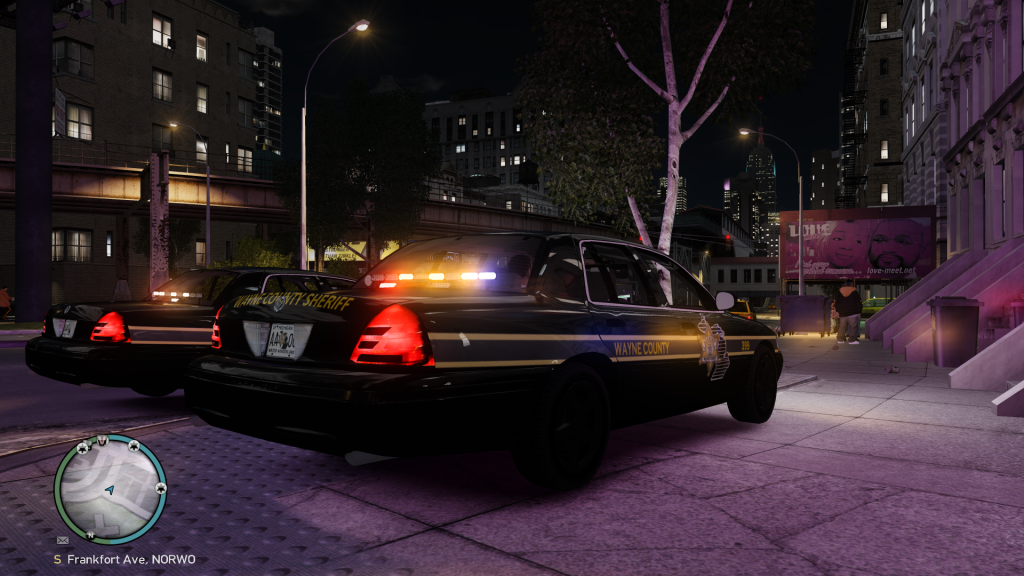
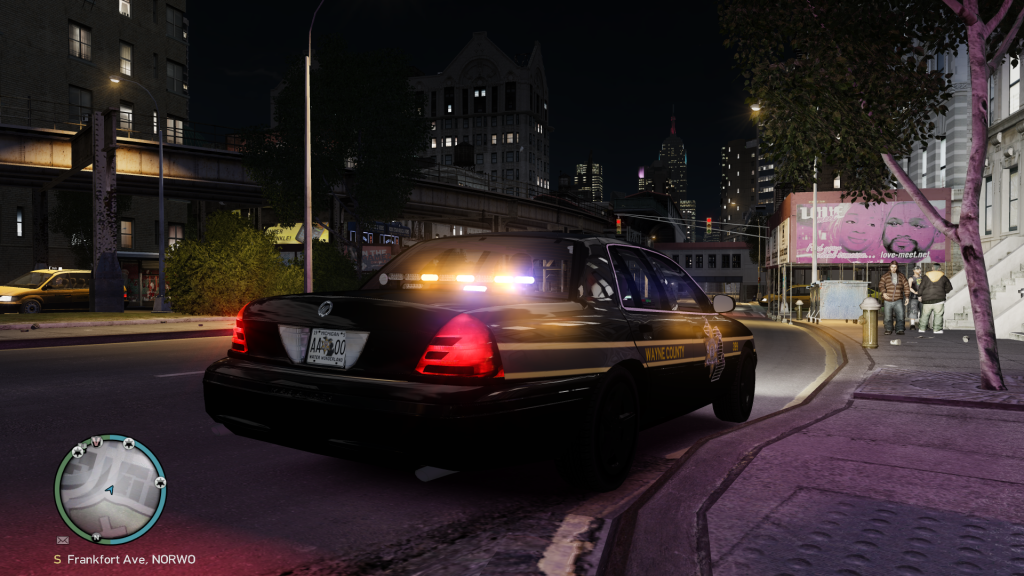
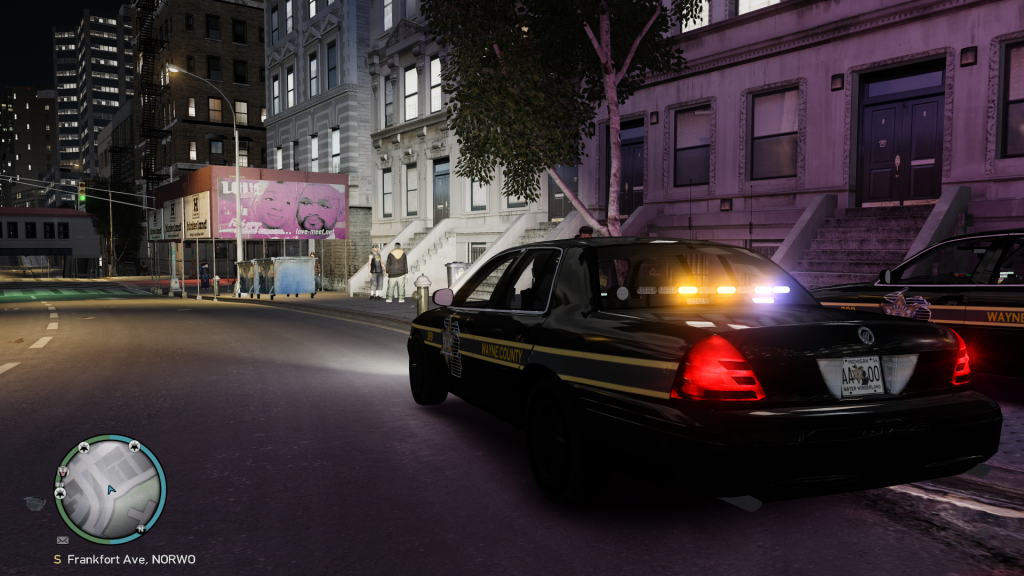
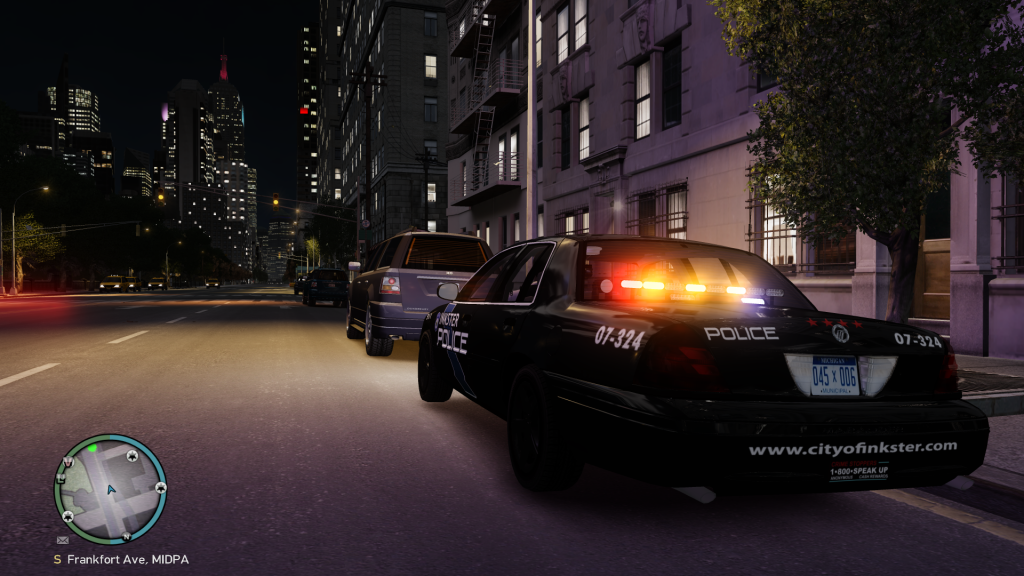
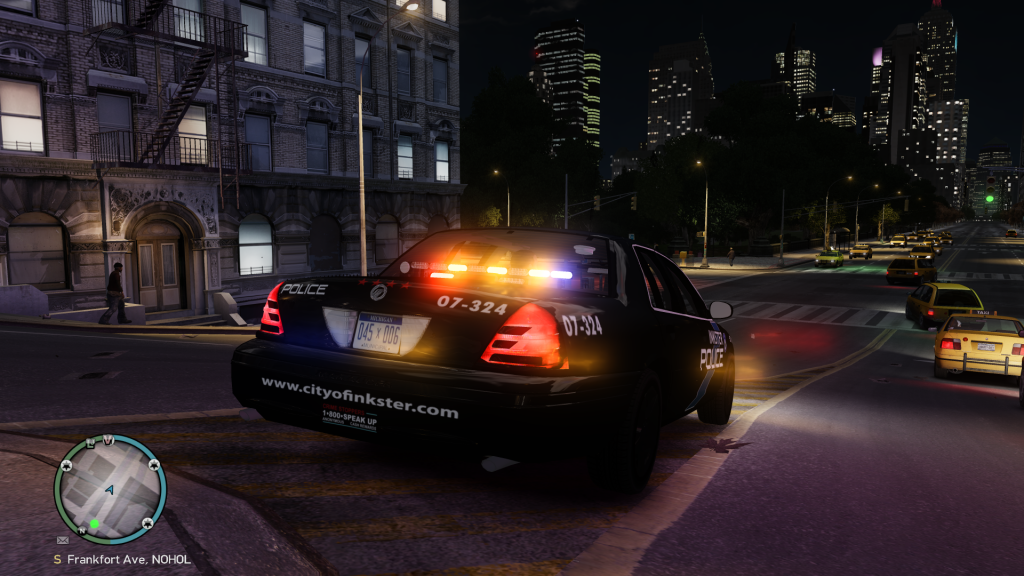
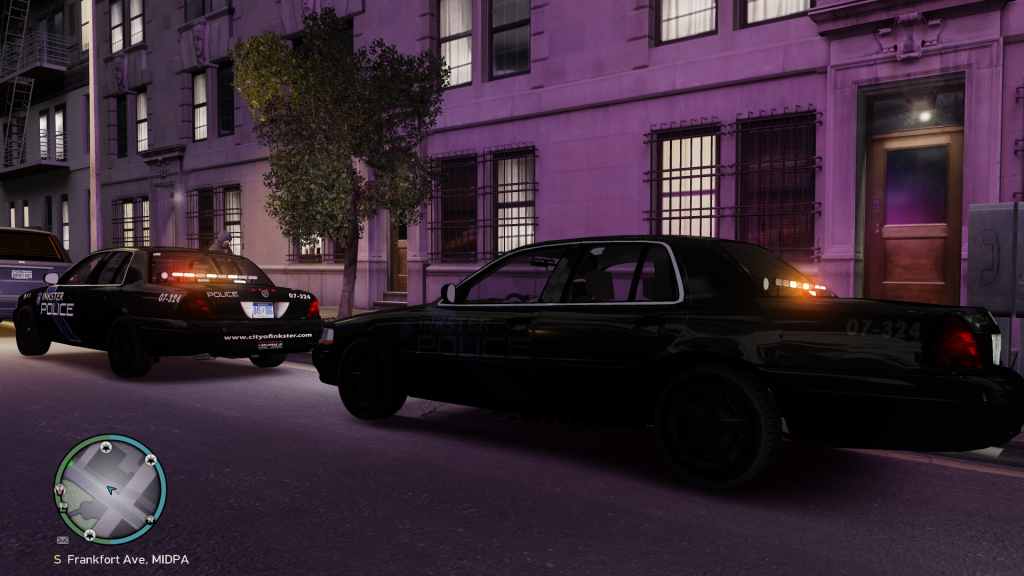
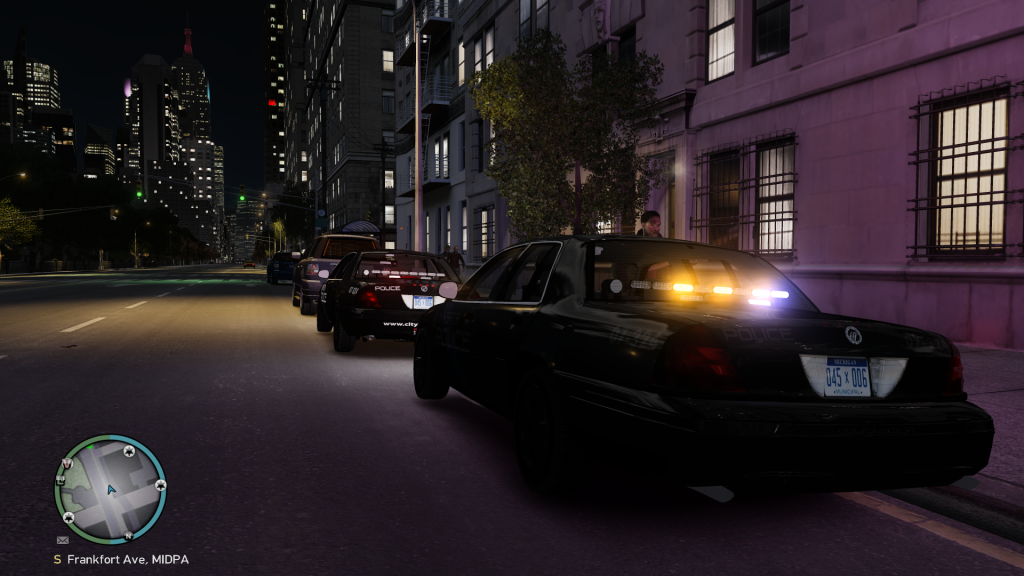
This pack contains 4 liveries for EVI's Mercury Marauder Police vehicle. Two liveries for both the Inkster Police Department and Wayne County Sheriff Office. Enjoy!!

EVI's Mercury Marauder:
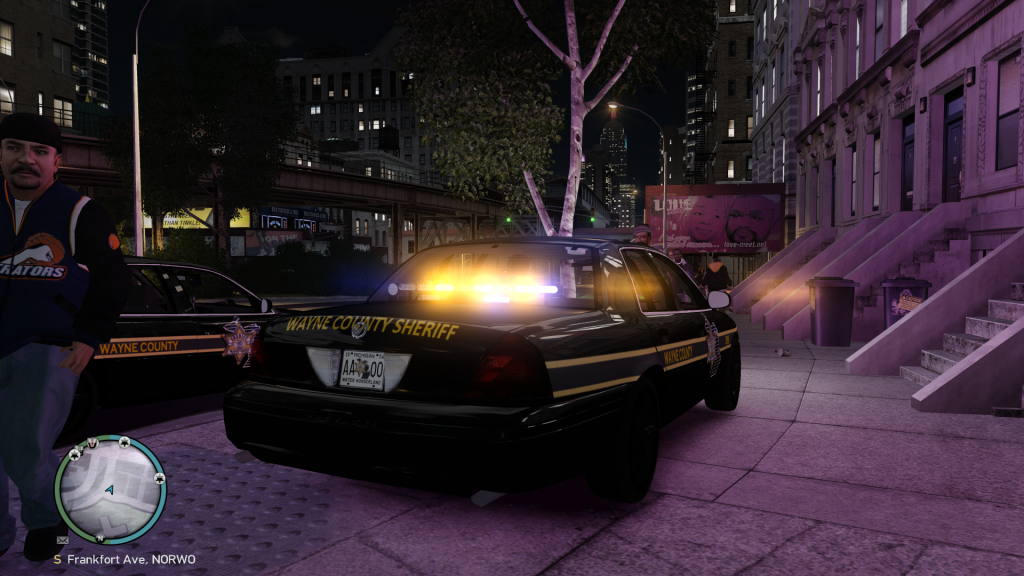
WCSOMM4.png

WCSOMM3.png

WCSOMM2.png

WCSOMM1.png

InksterPD2.png

InksterPD1.png

InksterPD3.png

InksterPD4.png

User Feedback

Recommended Comments

strike

Members

Now the Marauder looks much better, nice work;)

Guest VooDoobie_Studios

Guest VooDoobie_Studios

Guests

I agree with strike. You should do all of EVI's vids and photos lol Your visual settings are much much better! And the skin looks great dude!

Nutt

Members Author

Glad you guys like... but it's all EVI hard work that paid off. I really like this mod... and I wouldn't mind helping him out on presentation. But I think he has that covered...

Damn Nutt, I never would have thought in my wildest booze induced dreams a Mercury Marauder would look this good as a marked unit.

DREYDUS

Members

Pretty fly bro.. I grew up in Inkster, MI

Nutt

Members Author

^^ little Saigon... right, lol.

DREYDUS

Members

^

Marauder

Members

Could someone tell me how to install this please :)

Create an account or sign in to comment

Latest Mods

Account

Navigation

Search

Search

Configure browser push notifications

Chrome (Android)
  1. Tap the lock icon next to the address bar.
  2. Tap Permissions → Notifications.
  3. Adjust your preference.
Chrome (Desktop)
  1. Click the padlock icon in the address bar.
  2. Select Site settings.
  3. Find Notifications and adjust your preference.