





RZ MODS ROMANIA
https://discord.gg/UyjD9xVVZ7
Politia Română – BMW M5
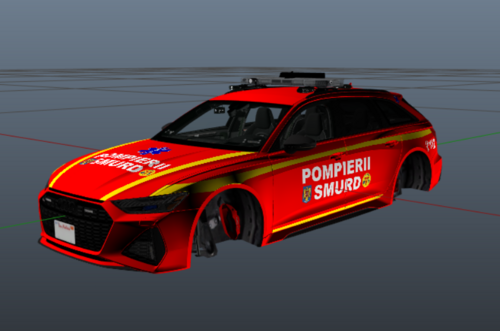
Acest model a fost modificat pentru a reproduce cât mai fidel autospecialele Politiei Române, folosind elemente vizuale actuale: culori oficiale, inscripții corecte și detalii realiste.Este un model fictiv de BMW M5, acest model nu se afla in dotarea Politiei Romane in realitate.
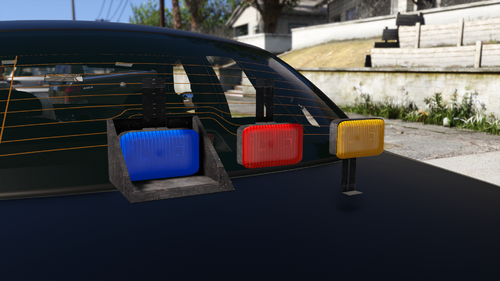
Pentru NON ELS au fost modificate texturile girofarului pentru a lumina in rosu si albastru.
🔧 Modificări realizate:
• Livery complet Politia Romana
• Semnale luminoase și vizuale realiste
• Texturi HD optimizate
• Compatibil Single Player / FiveM NON ELS
⚠️ IMPORTANT:
Acest mod este oferit gratuit.
Este strict interzisă modificarea, reîncărcarea sau folosirea acestui model în scopuri comerciale / de vânzare, fără acordul explicit al autorului.
What's New in Version 1.1.0
Released
Adaugat textura numar inmatriculare - ELS BMW M5 V2.0
Se lucreaza la modificare .xml ELS pentru modificare girofar cu rosu si albastru . Momentan ELS are doar varianta albastra complet a girofarului .
Short Description
RazZzor9112


.thumb.png.987d590a4b6fb85cfcd7b327be51397d.png)





Recommended Comments
Create an account or sign in to comment