


This is a new version of an old pack that Epticz did. The old pack was horrible, but he has learned many new tricks and knows his editing software more in-depth than he used to. Enough with the exposition though.
Here is what the pack includes:
Vehicles Created by: Aqua Modifications - 2020 F-450 Dually & 2019 Shelby Super Snake - https://www.lcpdfr.com/profile/421246-aquas-modifications/
2 Textures Created by: Ghost Designs - Ghost Designs Discord
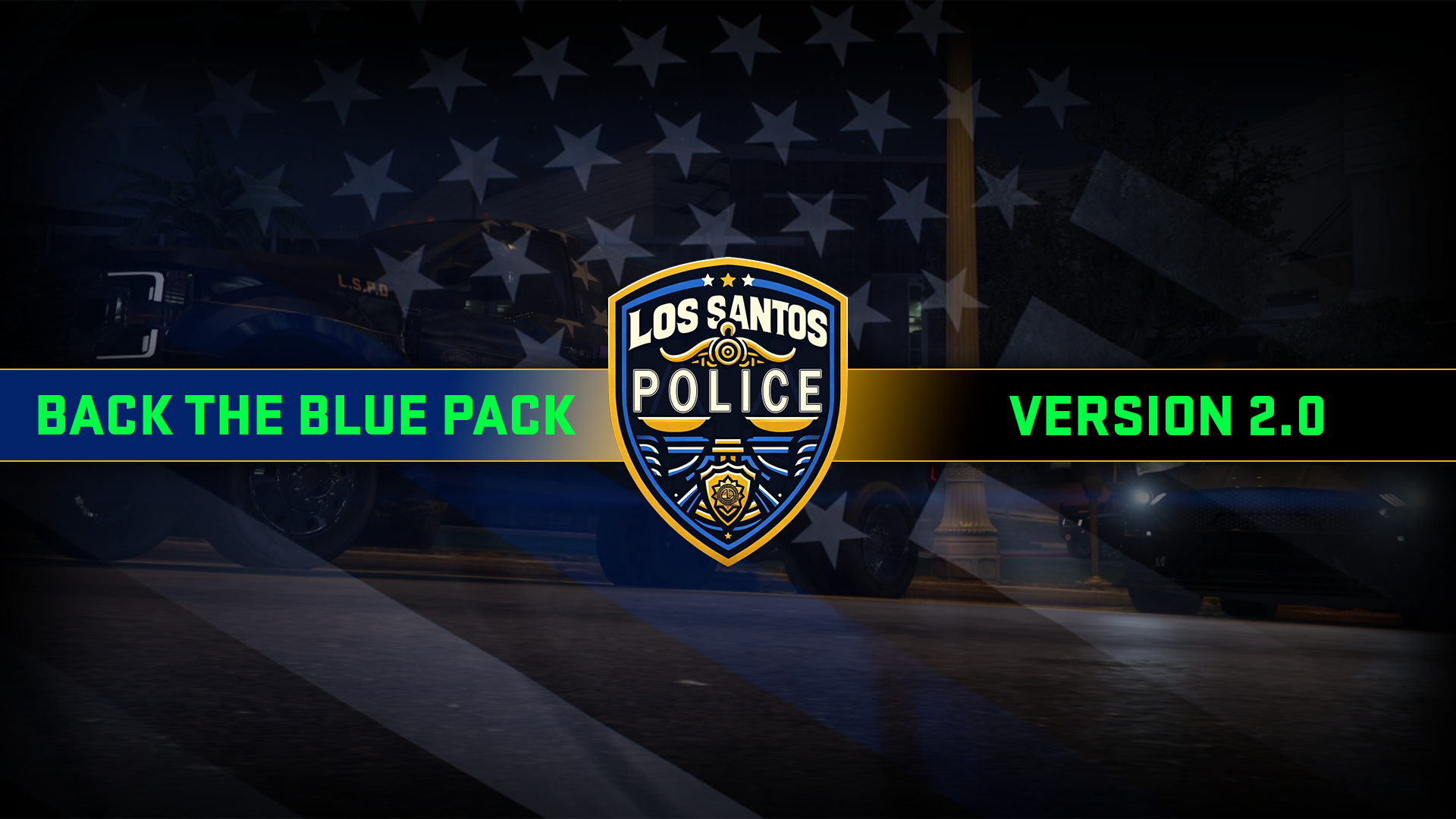
Edited by Ghost Designs.
What's New in Version 2.0
Released
A complete redesign of the old Back the Blue texture.
Now has Singleplayer support!
Short Description
Back the Blue pack to commemorate all the boys in blue.
Credits to Aqua Modifications for making the vehicles so that this texture pack an exist.




.thumb.png.1f4ac8c2c08ebdb5a00de2e58cd20481.png)


.thumb.png.9788e98db196594e6b6e34a34af7a94e.png)


.thumb.png.4d59e30ff8b8385589769cf607a5e1aa.png)



.thumb.png.afea87ee51864d1828b2faee0c0ac7d6.png)

Recommended Comments
Create an account or sign in to comment