
Skip to content
View in the app

A better way to browse. Learn more.

LCPDFR.com

A full-screen app on your home screen with push notifications, badges and more.

To install this app on iOS and iPadOS
  1. Tap the Share icon in Safari
  2. Scroll the menu and tap Add to Home Screen.
  3. Tap Add in the top-right corner.
To install this app on Android
  1. Tap the 3-dot menu (⋮) in the top-right corner of the browser.
  2. Tap Add to Home screen or Install app.
  3. Confirm by tapping Install.

Arizona DPS Mini Pack UPDATED 1.9.1

(0 reviews)

4 Screenshots

There will not be much updates.

"This video is outdated"


Other packs i made


Edited by Retyy


Short Description

Arizona DPS Texture Pack

User Feedback

Recommended Comments

SWATMEN

Members

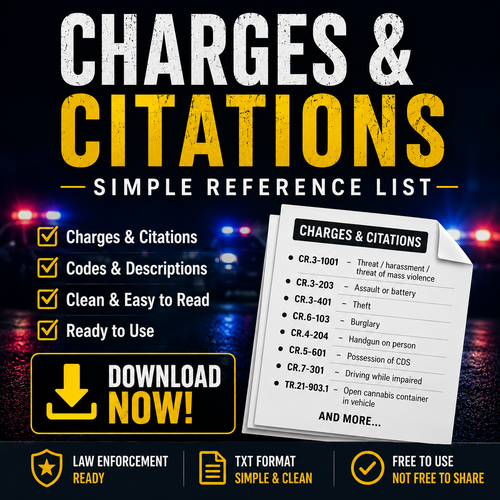
Why is your thumbnail completely different from the actual skins? Furthermore, it's not even your thumbnail, it's from another person's texture pack

Xenuu

Members

I recommend taking some better pictures because the ones that you have now are lower quality than my grandad's Nokia 1011.

Also, I don't know about others but I like to look at the vehicles before I add them to my game so it might be a good idea to link the vehicle models in the description.

Retyy

Members Author

(edited)

if you are talking about the last two i recommend clicking on them
the photos were taken far away from the vehicles in game so it does not look good
without being clicked on.

Edited by Retyyyy

Retyy

Members Author

On 9/25/2021 at 8:46 PM, SWATMEN said:

Why is your thumbnail completely different from the actual skins? Furthermore, it's not even your thumbnail, it's from another person's texture pack

understood but again these packs again are old and that pic was on there the first day it was uploaded it got new ones the next day.

Create an account or sign in to comment

Latest Mods

Account

Navigation

Search

Search

Configure browser push notifications

Chrome (Android)
  1. Tap the lock icon next to the address bar.
  2. Tap Permissions → Notifications.
  3. Adjust your preference.
Chrome (Desktop)
  1. Click the padlock icon in the address bar.
  2. Select Site settings.
  3. Find Notifications and adjust your preference.