Skip to content
View in the app

A better way to browse. Learn more.

LCPDFR.com

A full-screen app on your home screen with push notifications, badges and more.

To install this app on iOS and iPadOS
  1. Tap the Share icon in Safari
  2. Scroll the menu and tap Add to Home Screen.
  3. Tap Add in the top-right corner.
To install this app on Android
  1. Tap the 3-dot menu (⋮) in the top-right corner of the browser.
  2. Tap Add to Home screen or Install app.
  3. Confirm by tapping Install.
1,302 files
  1. FluffyMods Glock20 Addon
    • 5,837 Downloads
    • 48301 Views
    • 11.25 MB File Size
    • 1 Comments
    Updated
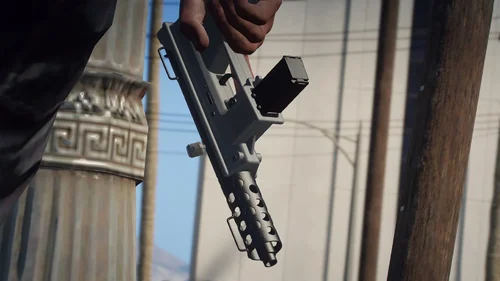
  2. FluffyMods Tec 9 Replace
    • 383 Downloads
    • 6714 Views
    • 16.17 MB File Size
    Updated
  3. #rd #props #eup #rettungsdienst #c1 #c3 #accuvat #pax
    • 1,908 Downloads
    • 18599 Views
    • 35.55 MB File Size
    Updated
  4. What You Need: LSPDFR | Stop The Ped
    • 290 Downloads
    • 3513 Views
    • 3.1 kB File Size
    • 2 Comments
    Updated
  5. Radio Sounds and Mic Clicks for the popular Sonoran Radio TS3 Plugin
    • 11,115 Downloads
    • 73158 Views
    • 1.17 MB File Size
    Updated
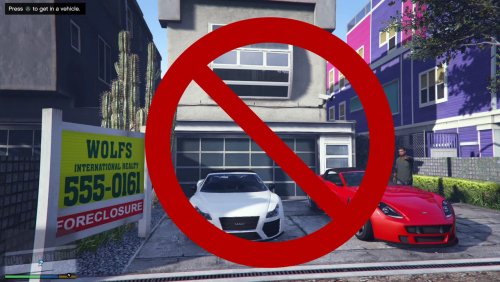
  6. translation stop the ped
    • 8,058 Downloads
    • 29320 Views
    • 7.75 kB File Size
    • 1 Comments
    Updated
  7. Custom Poses For scene making
    • 1,053 Downloads
    • 14433 Views
    • 70.21 kB File Size
    • 3 Comments
    Updated
    • 39 Downloads
    • 2269 Views
    • 6.53 kB File Size
    Updated
    • 704 Downloads
    • 11476 Views
    • 3.6 MB File Size
    Updated
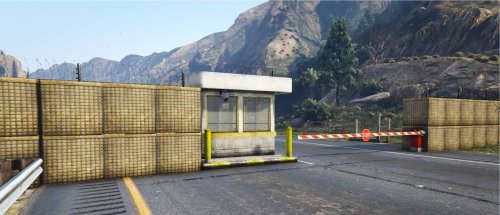
  8. GTA V, Traffic, Lore Friendly, Realistic
    • 513 Downloads
    • 10104 Views
    • 121.07 kB File Size
    • 1 Comments
    Updated
  9. pack of tactical static poses
    • 9,084 Downloads
    • 91118 Views
    • 141.24 kB File Size
    • 19 Comments
    Updated
    • 412 Downloads
    • 7745 Views
    • 1.44 MB File Size
    Updated
    • 3,122 Downloads
    • 23458 Views
    • 1.05 MB File Size
    • 1 Comments
    Updated
  10. This is a YMap for Paleto Bay Highway.
    • 315 Downloads
    • 5699 Views
    • 68.7 kB File Size
    Updated
    • 55 Downloads
    • 2440 Views
    • 1.49 kB File Size
    • 3 Comments
    Updated
  11. Make your lights looks real !
    • 178 Downloads
    • 5430 Views
    • 8.38 kB File Size
    Updated

Account

Navigation

Search

Search

Configure browser push notifications

Chrome (Android)
  1. Tap the lock icon next to the address bar.
  2. Tap Permissions → Notifications.
  3. Adjust your preference.
Chrome (Desktop)
  1. Click the padlock icon in the address bar.
  2. Select Site settings.
  3. Find Notifications and adjust your preference.