1,302 files
-

- 19 Downloads
- 1911 Views
- 27.68 kB File Size
Updated -

- 73 Downloads
- 2450 Views
- 108.43 MB File Size
Updated -
- 245 Downloads
- 4609 Views
- 39.91 MB File Size
Updated -
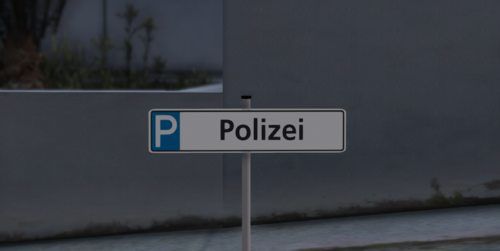 Polizei Parkplatz Beschilderung
- 423 Downloads
- 5276 Views
- 13.16 MB File Size
Updated -
- 36 Downloads
- 2860 Views
- 15.79 kB File Size
Updated -
 Schienenverkehrswarnschilder
- 532 Downloads
- 5189 Views
- 35.7 MB File Size
Updated -

- 354 Downloads
- 3891 Views
- 11.56 MB File Size
Updated -
- 509 Downloads
- 8186 Views
- 4.09 MB File Size
- 5 Comments
Updated -

- 4,309 Downloads
- 22735 Views
- 7.41 MB File Size
- 8 Comments
Updated -
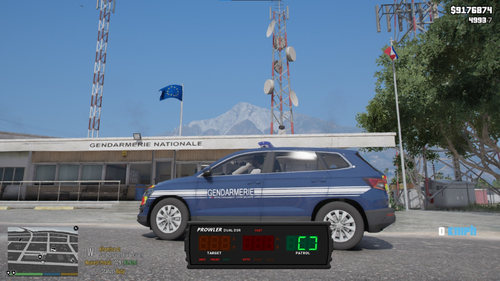
- 110 Downloads
- 1836 Views
- 384.59 kB File Size
Updated -
 Fix This Black Texture In Your New Police Models!
- 532 Downloads
- 9923 Views
- 3.23 kB File Size
- 10 Comments
Updated -

- 5 Downloads
- 1247 Views
- 988.59 kB File Size
Updated -
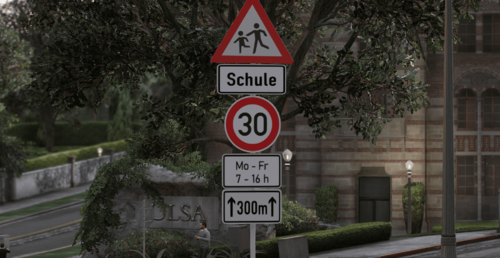 Verkehrswarnung an Schul- und Bildungseinrichtungen
- 454 Downloads
- 4323 Views
- 17.3 MB File Size
Updated -
 Verkehrsschild Digitale Testfelder
- 84 Downloads
- 2394 Views
- 10.66 MB File Size
Updated -
 Something something I don't care about your EV opinions
- 513 Downloads
- 7182 Views
- 46.28 MB File Size
- 6 Comments
Updated -

- 113 Downloads
- 2547 Views
- 1.48 MB File Size
Updated