1,165 files
-
.thumb.png.9ecf164061a4c555e31dfd513354e10f.png)
- 26 Downloads
- 610 Views
- 8.45 kB File Size
Updated -
.thumb.png.f209d126077947fd0a99d7828e262b00.png) Stop The Ped - Expert Realism+Immersive Law 1.1.3 ESPAÑOL-GTASKIES
Stop The Ped - Expert Realism+Immersive Law 1.1.3 ESPAÑOL-GTASKIES- 234 Downloads
- 3014 Views
- 47.63 kB File Size
- 3 Comments
Updated -
 Accurate codes, fines, sentencing for all charges and citations (2025)
- 187 Downloads
- 3162 Views
- 9.37 kB File Size
- 4 Comments
Updated -
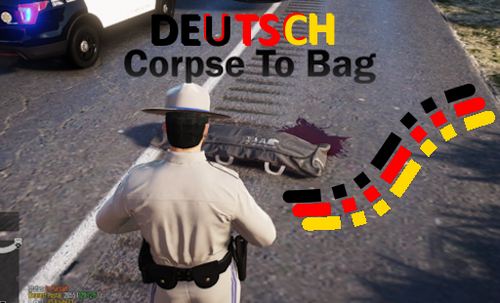
- 71 Downloads
- 1901 Views
- 6.73 kB File Size
- 2 Comments
Updated -
.thumb.png.d6978e9d7d64ddc126779730405c136e.png)
- 928 Downloads
- 4871 Views
- 4.09 kB File Size
Updated -
.thumb.png.d19a525b1da2a3e0c88776b7d31819a4.png)
- 29 Downloads
- 1509 Views
- 2.05 kB File Size
- 2 Comments
Updated -
 Brand New MRPD Exterior With Exclusive Designs that gives your server a fresh look!
- 797 Downloads
- 15545 Views
- 53.94 MB File Size
- 3 Comments
Updated -

- 111 Downloads
- 2654 Views
- 955.72 kB File Size
Updated -
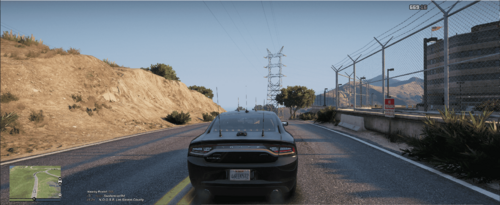
- 199 Downloads
- 4582 Views
- 5.33 kB File Size
- 7 Comments
-

- 274 Downloads
- 7705 Views
- 623.12 MB File Size
- 10 Comments
Updated -

- 787 Downloads
- 9332 Views
- 159.48 kB File Size
- 4 Comments
Updated -
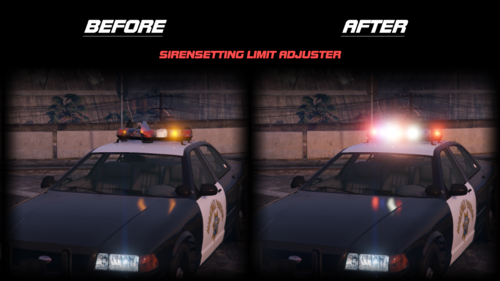 A Visual Plugin for 32-Siren Enabled Vehicles
- 3,656 Downloads
- 30735 Views
- 19.57 kB File Size
- 1 Comments
Updated -
 Revamped ReportsPlus Files meant for integration with PulseEMS2.0 and for playing as EMS or First Responders.
- 215 Downloads
- 6005 Views
- 11.53 kB File Size
- 2 Comments
Updated -
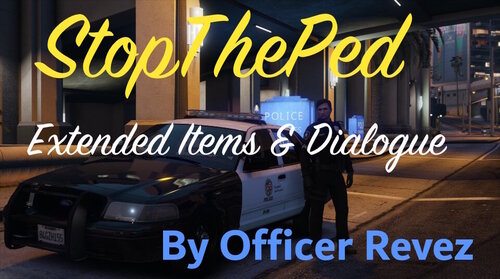 A modification for StopThePed, which adds new items and dialogue
- 5,730 Downloads
- 35974 Views
- 157.3 kB File Size
- 12 Comments
Updated -

- 65 Downloads
- 5546 Views
- 14.97 MB File Size
- 2 Comments
Updated -

- 509 Downloads
- 6445 Views
- 96.03 kB File Size
.thumb.png.9ecf164061a4c555e31dfd513354e10f.png)

.thumb.png.f209d126077947fd0a99d7828e262b00.png)


.thumb.png.d6978e9d7d64ddc126779730405c136e.png)
.thumb.png.d19a525b1da2a3e0c88776b7d31819a4.png)

.thumb.PNG.47e2e8861bf40711f30050bb1fcde2a8.PNG)