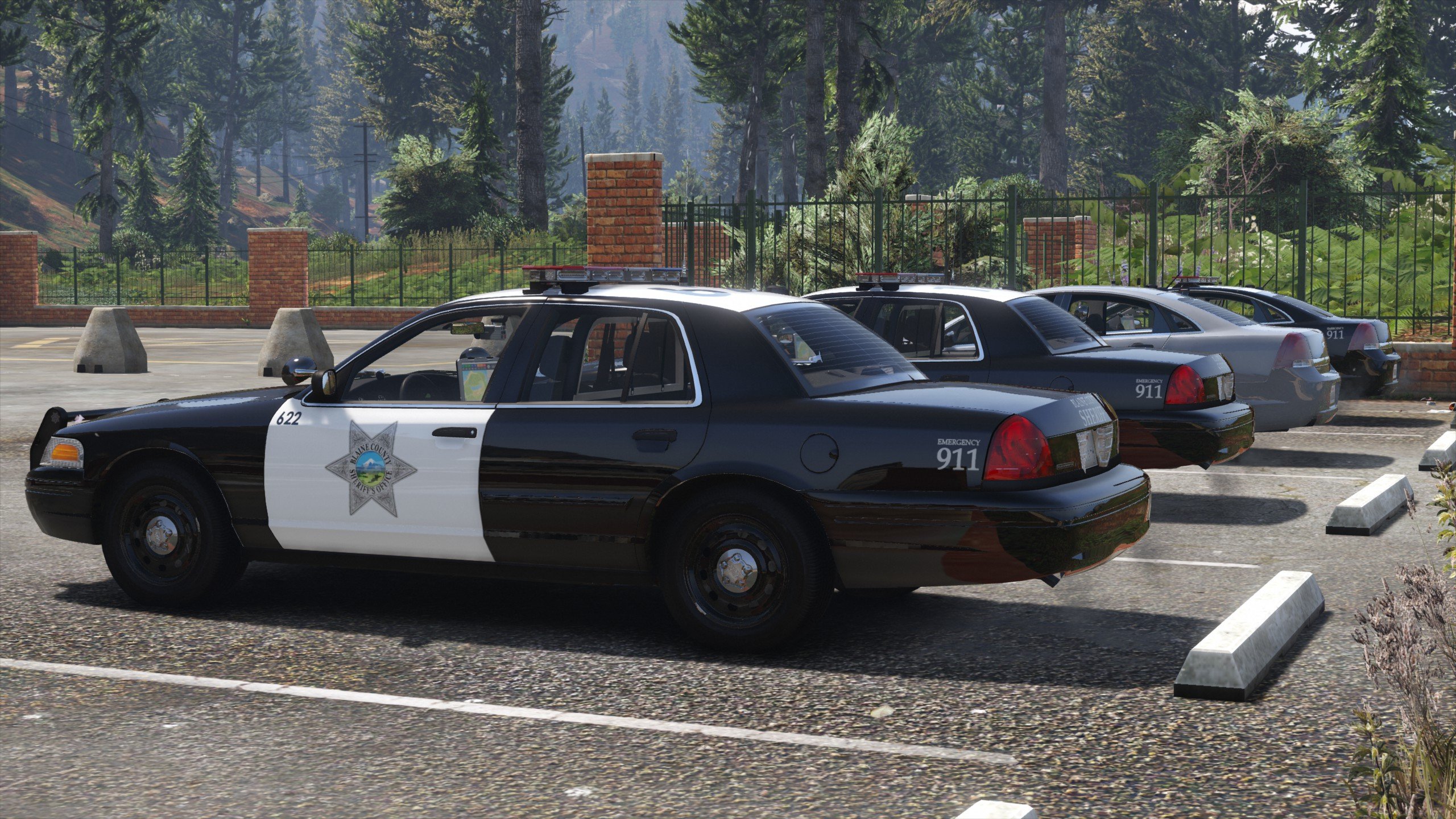
I have been making mods for GTA IV since 2010, and for GTA V since 2016. You can find all of my work for GTA V, including my dev assets, on Modding Forum. You can find many of my old mods for GTA IV on GTAinside and here on LCPDFR, however a lot of my older work may not be available anymore.
Join my Discord server for all my releases, dev parts, and info about my work in progress: https://discord.gg/9mJpfUC
Unlocked parts
I usually release most of my work, you can find download links and info about upcoming parts in my Discord server. I will never sell any parts or create mods against payment - do not ever ask me.
Using my mods in FiveM servers
Friends-only servers: If you run a non-commercial server for your and your friends only, feel free to use any of my work.
Public or clan servers: If you have a public server or a clan server, including servers where you have to apply to join, you may use my work under the following condition: You have to provide your players with an easy way to access the credits I included with the file and a link to the original mod, for example on your website or Discord server.